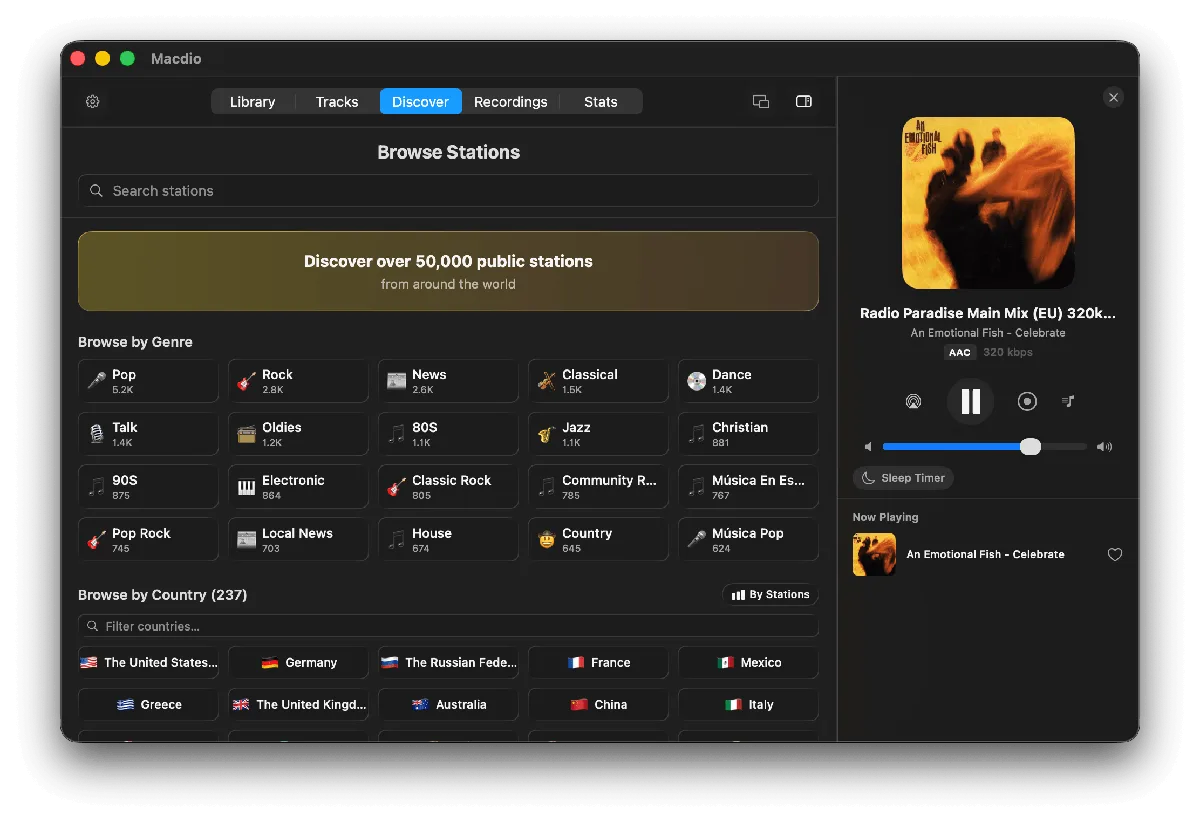
Yes, the Mac plays internet radio, and it does not need a browser tab to do it. Macdio is a native internet radio player for macOS with 55,000+ stations, a menu bar mini player, recording, synced lyrics and song identification straight from the stream. One purchase, no subscription, no ads.
How to listen to internet radio on your Mac
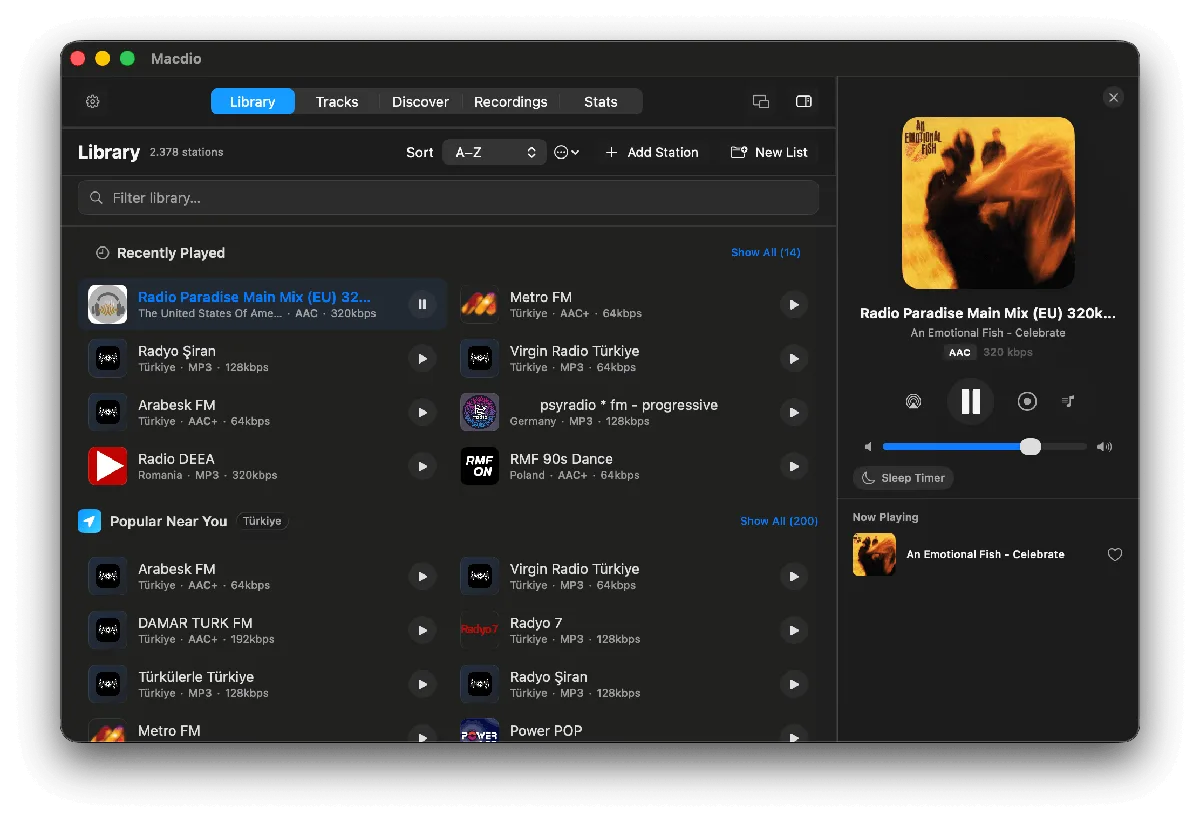
Install Macdio from the Mac App Store, open it, and pick a station by country, genre or search. Star the ones you keep coming back to and they sync to your iPhone, iPad, Apple TV and Apple Watch over iCloud. From then on the menu bar icon is enough: one click plays, switches station or opens the compact player, with no window on screen. If you prefer the full comparison of every route first, including the browser and VLC, that is in how to listen to internet radio on a Mac.
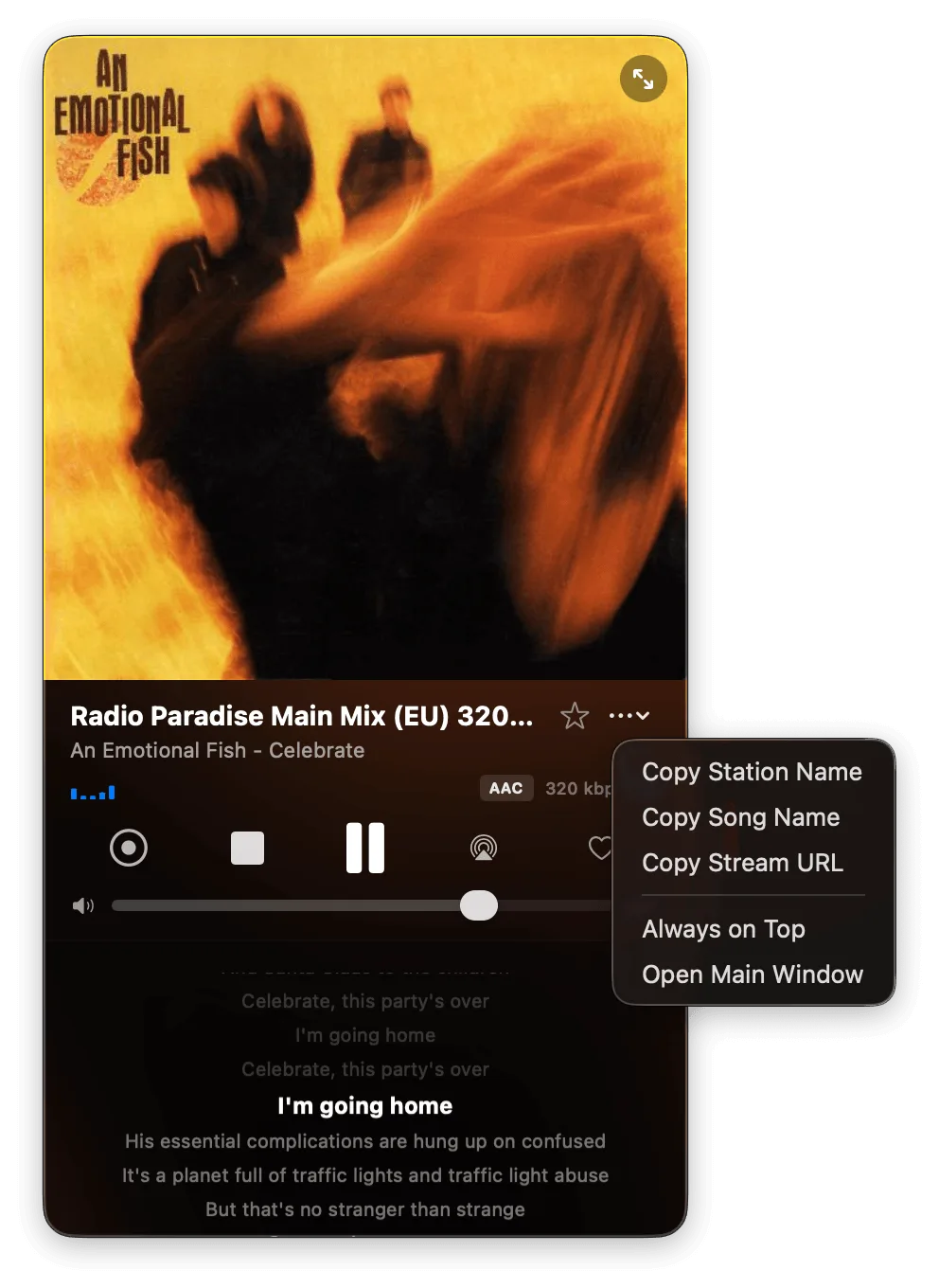
Menu bar mini player
Play, pause and switch stations from the menu bar while you work. Dynamic dock artwork shows what is on air.
Real recording
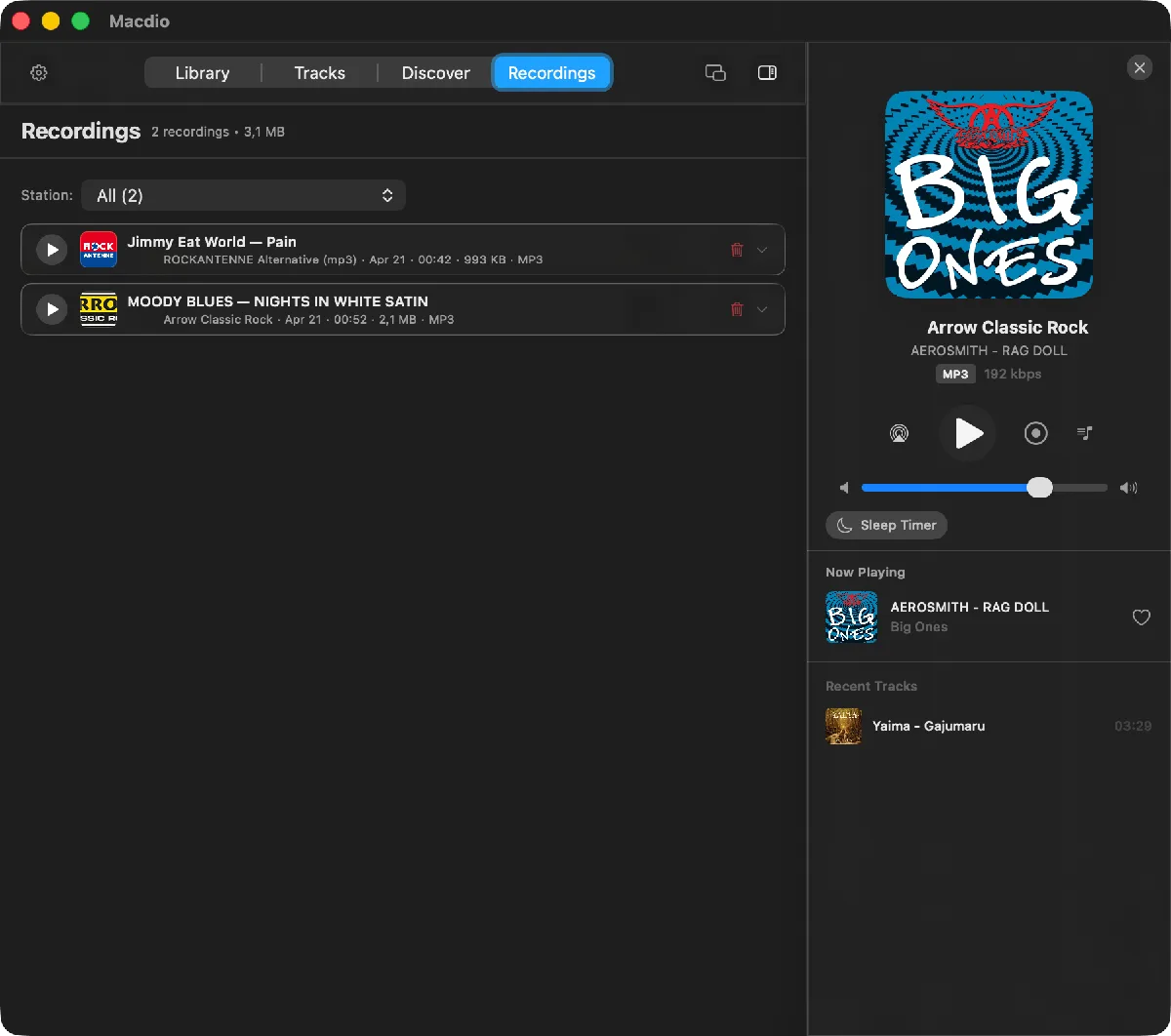
Record shows in high quality, split sessions into tagged tracks automatically, and keep everything local on your Mac.
Lyrics and Song ID
Synced lyrics follow the song live, and Macdio names the track from the stream itself with no microphone involved.
Which Macs it runs on
Macdio needs macOS 26 or newer, on Apple silicon or Intel. It is a native Mac app rather than a web page in a wrapper, so it does not hold a browser tab open, does not keep a renderer process alive, and does not stop playing because you closed the wrong window.
Recording a show while you work
The Mac records the stream straight off the network, with no microphone and no audio capture driver to install. Split by Track cuts the session into one file per song and names each track on its own. The file keeps whatever the station sends, an MP3 station gives an .mp3 and an AAC station gives an .aac, so there is no second encode and no quality setting to get wrong. A session stops itself after three hours unless you raise the limit, and recordings stay inside the app rather than landing in your music library. The recording guide covers what is legal and what is not.
Two ways to keep it on screen
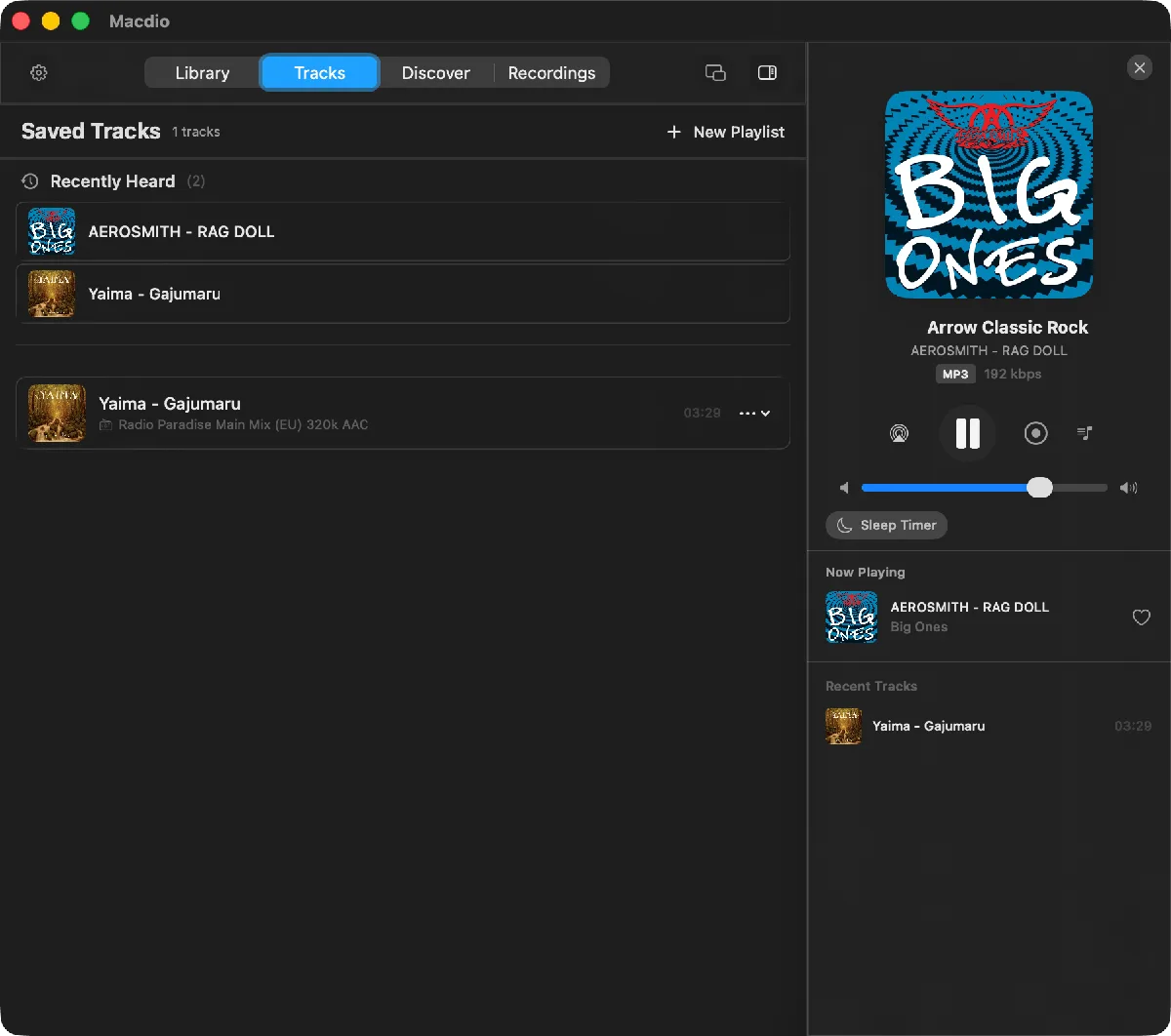
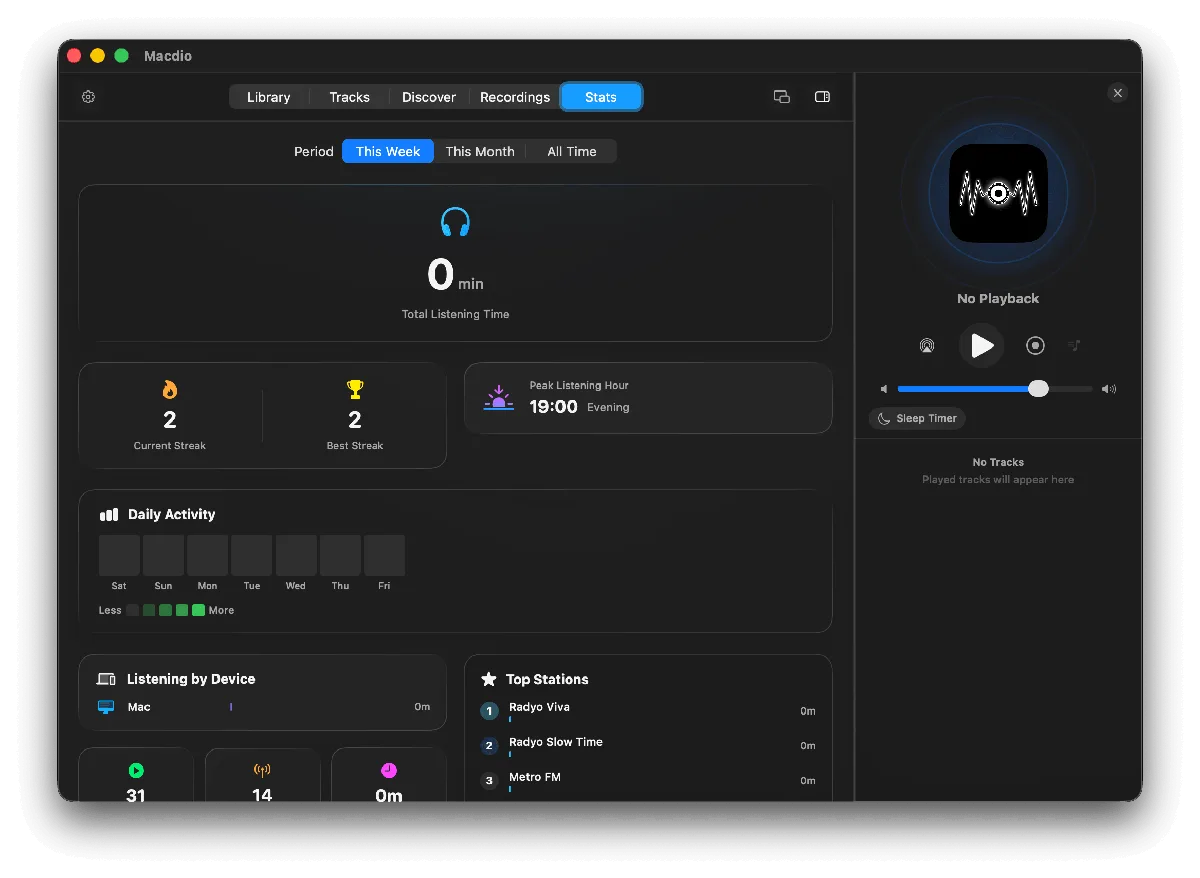
The menu bar player is the small one: click the icon, the current station and song sit there with the transport controls, and it disappears again. The full window is for browsing, with the directory, your folders, recordings, saved songs and listening statistics. Neither one is a cut-down version of the other, and closing the window does not stop playback.
Songs you love, in your Apple Music library
When a song is playing and you heart it, Macdio adds it to your Apple Music library rather than to a list that only exists inside this app. Identification reads the stream itself, so the track name is right even on stations that broadcast nothing useful, and the microphone is never involved because the app declares no microphone permission at all. There is more on that in the song identification guide.
Made for the Mac, not ported to it
How do I listen to internet radio on a Mac?
Is there a radio player for the menu bar?
Can I record internet radio on a Mac?
Is there a free internet radio app for Mac?
Which macOS version does it need?
Does it work with AirPlay?
Does it sync with my iPhone?
Ready to tune in?
Get Macdio on the Mac App Store. One purchase covers Mac, iPhone, iPad, Apple TV and Apple Watch. No subscription, no ads, no tracking.