Lyrics, full screen
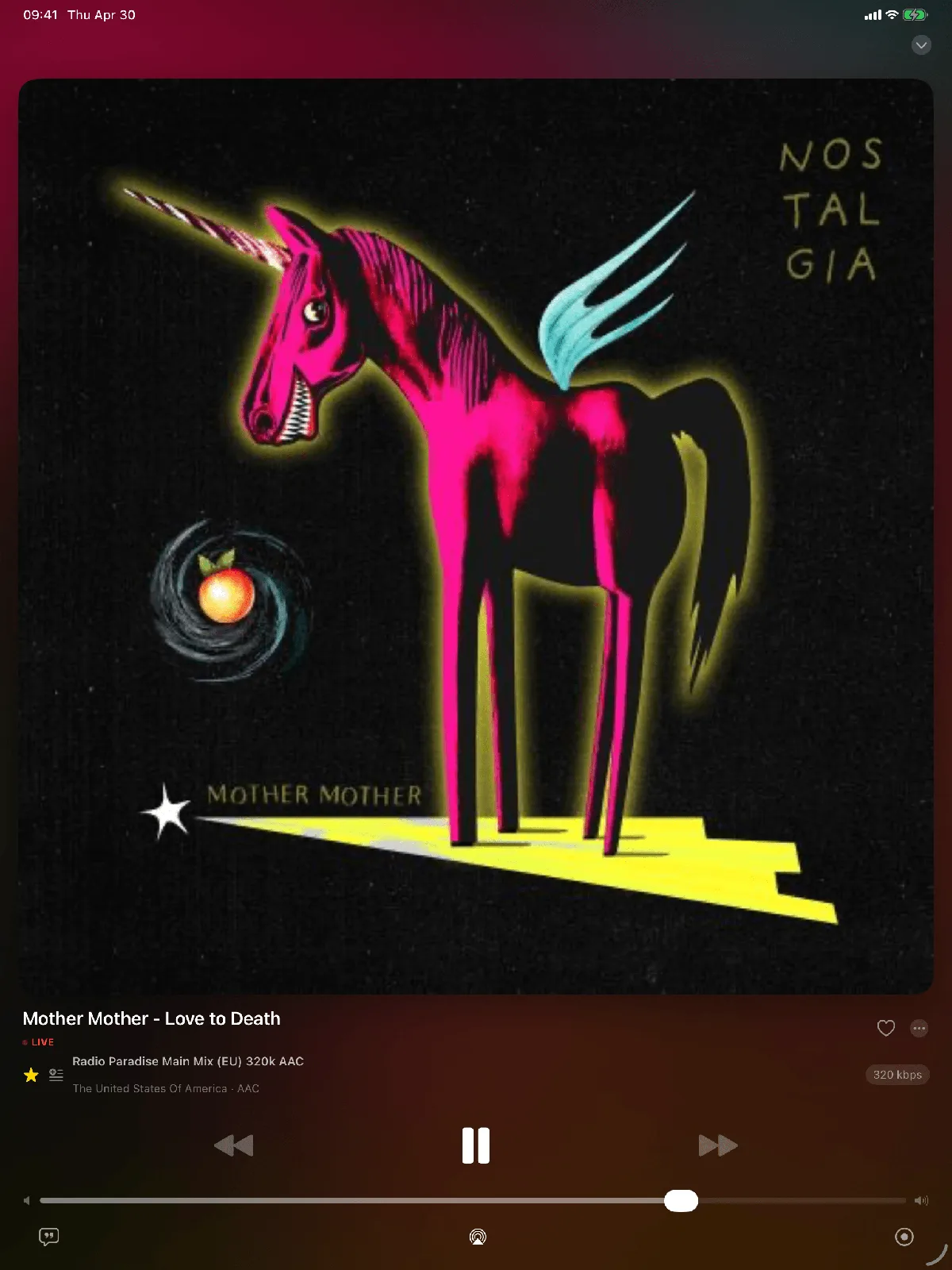
Synced lyrics aligned to the real delay of the stream, big enough to follow from across the room while you cook or work.
A library that fits
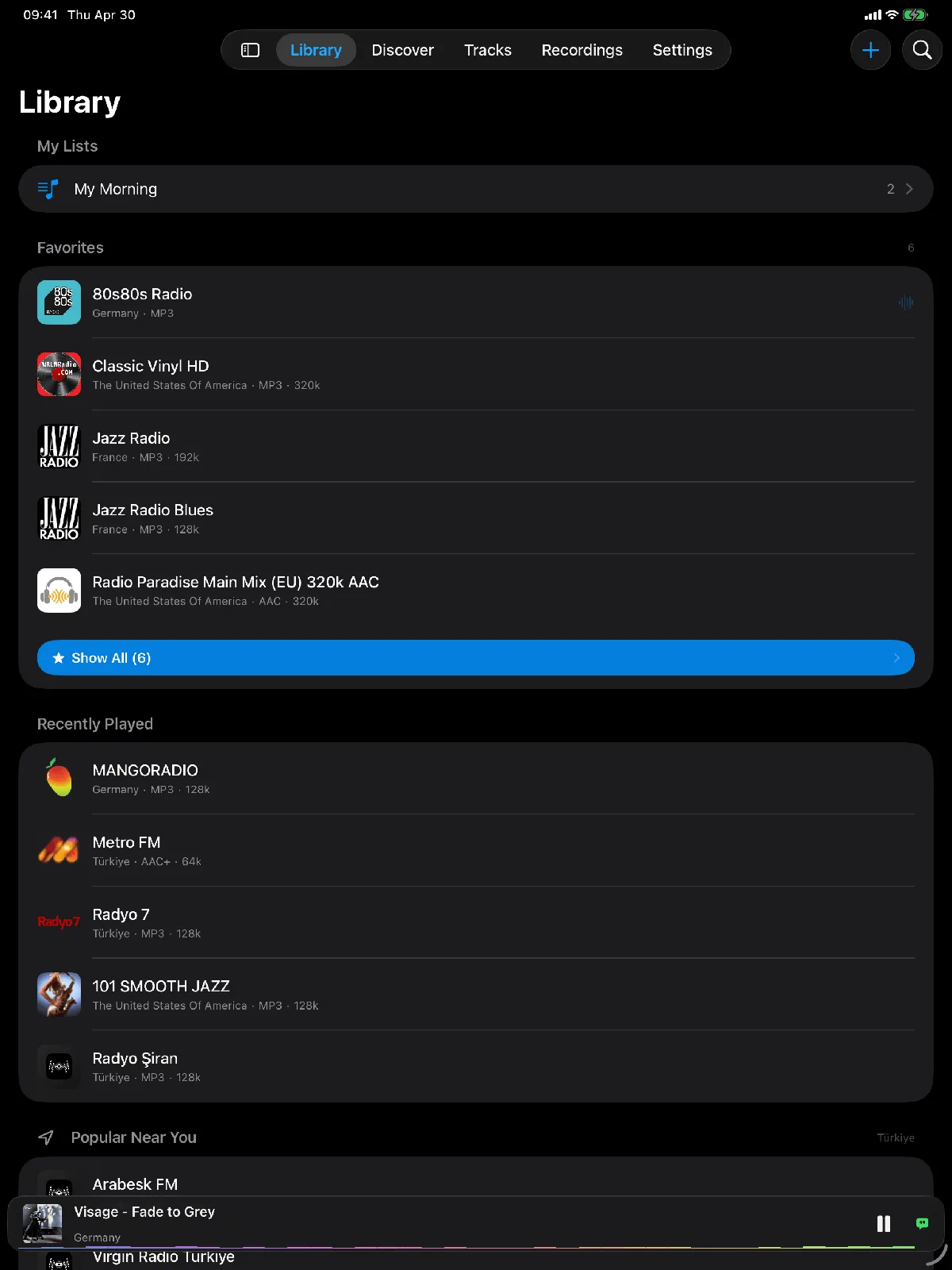
Stations, folders and saved songs laid out for the iPad instead of a stretched phone list, with quick swipe actions.
Everything the iPhone does
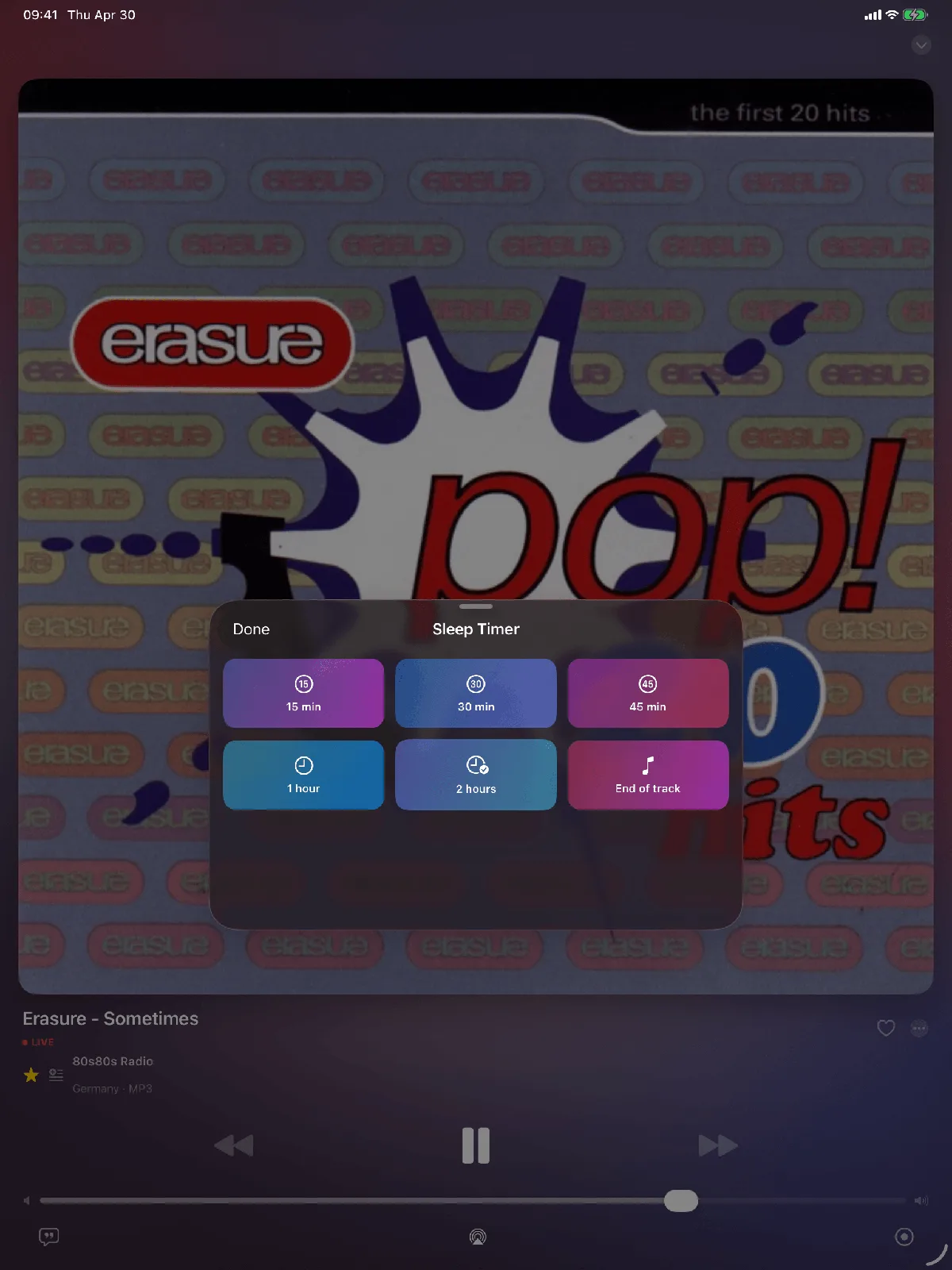
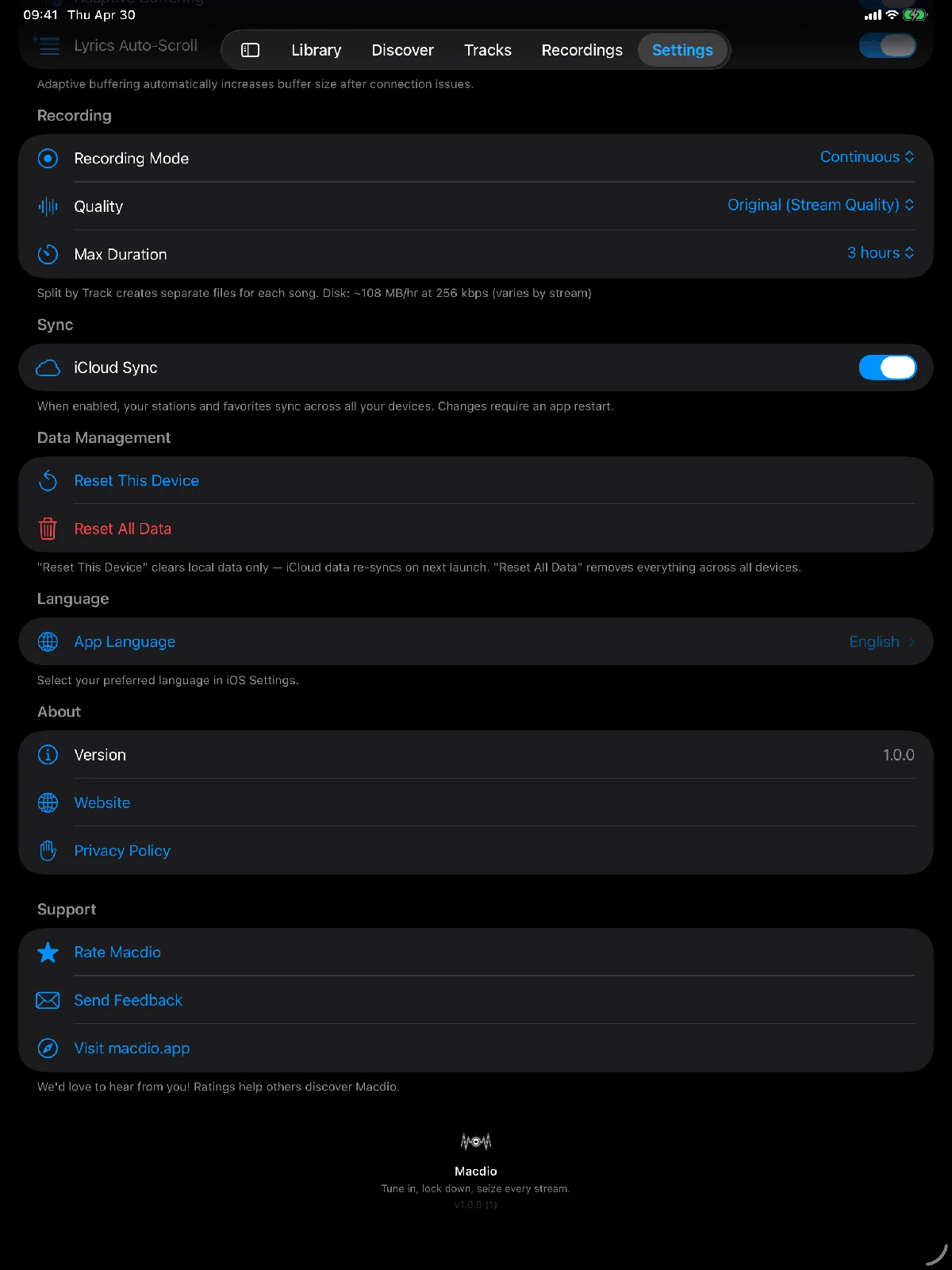
Recording with track splitting, microphone-free Song ID, sleep timers and iCloud sync, all present on the iPad.
Does the iPad have a radio?
No iPad has ever had an FM receiver, and Apple has never shipped one with an antenna for it. Internet radio is the only radio an iPad plays, which turns out to be the better trade: instead of the transmitters within range of your building you get stations from anywhere with a connection.
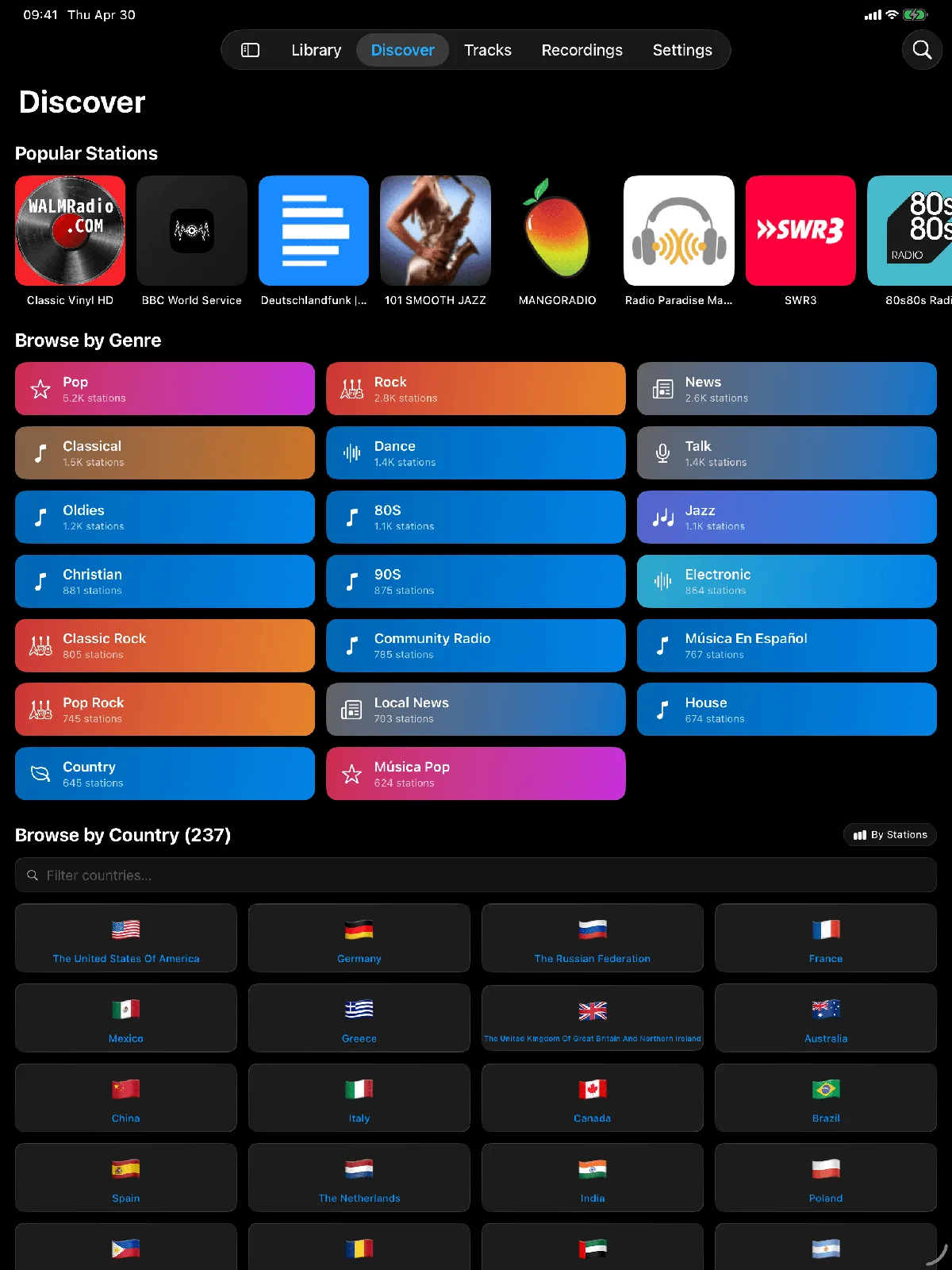
The directory, on a screen with room for it
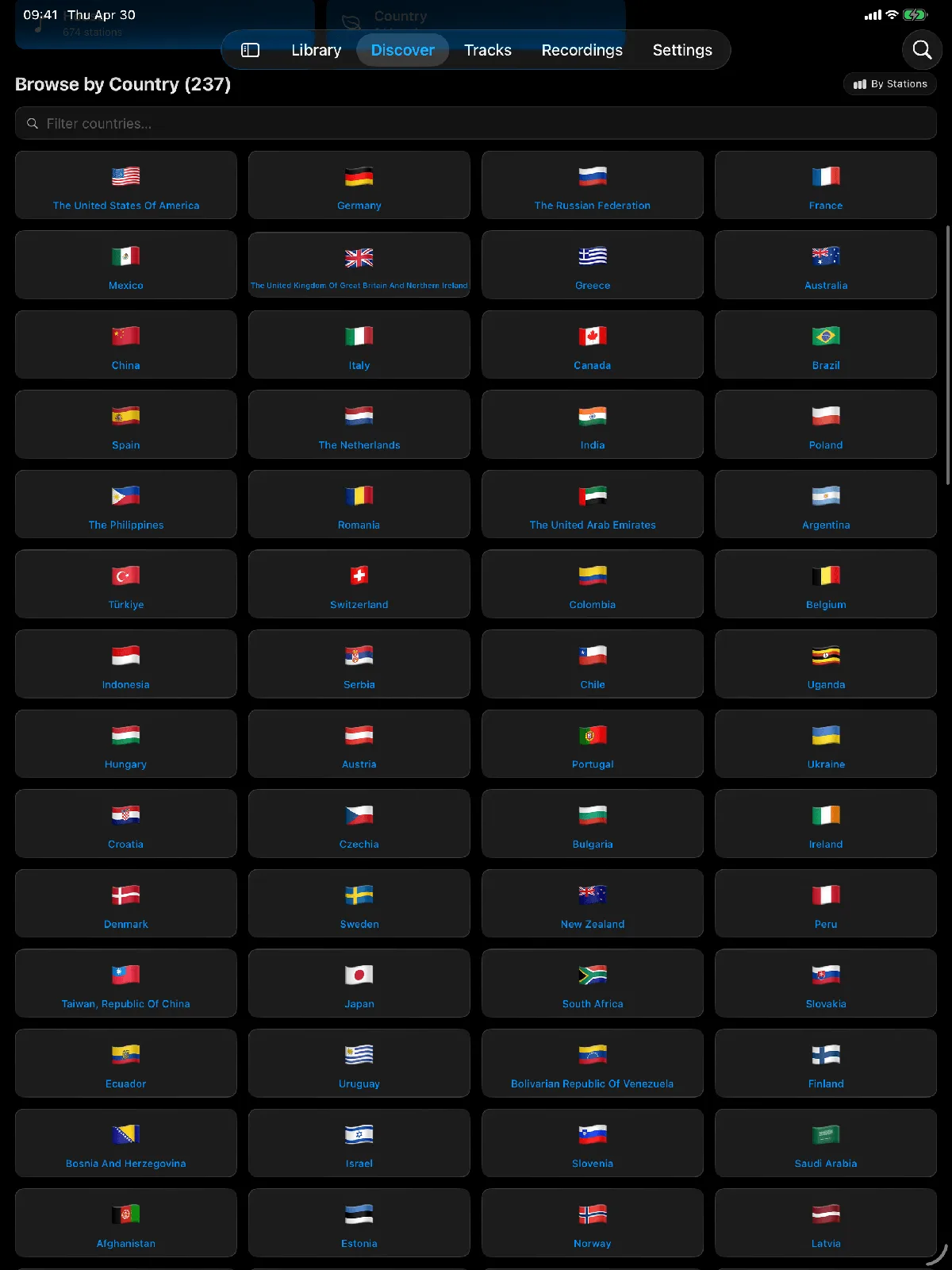
The catalogue is the same 55,000 stations that the phone sees, read from Radio Browser, a community-run open database. The difference on iPad is how much of it you can see at once: browsing by country or genre shows a grid rather than a column, and station artwork is large enough to recognise without reading. A station missing from the directory can be added by hand with its stream address, covered in the guide to finding a stream URL.
Which iPads it runs on
Macdio needs iPadOS 26 or newer. The same purchase covers iPhone, Mac, Apple TV and Apple Watch, and Family Sharing applies, so nobody in the house buys it twice.
Recording on the iPad
Recording works exactly as it does on the Mac and the iPhone. The stream is captured straight off the network with no microphone, and Split by Track cuts a session into one file per song with the track named on its own. A recording keeps whatever the station sends, an MP3 station gives an .mp3 and an AAC station gives an .aac, so nothing is re-encoded and nothing is lost. Sessions stop themselves after three hours by default and that limit is adjustable. Recordings stay inside the app, they are not copied into Files or your music library. The recording guide walks through it.
Lyrics on a screen worth reading them on
Synced lyrics scroll in time with the audio, and the timing is aligned to the real delay of the stream rather than to a guess, so the highlighted line matches what you are hearing. On an iPad propped in a kitchen that is readable from the other side of the room, which is the whole reason the layout is different from the phone.
What an hour costs in data
About 58 MB at 128 kbps, which is the common case, and roughly 2.4 MB a minute on a 320 kbps station. Nothing is added on top of the stream, so the bitrate shown on the station is the number you pay. On a cellular iPad that is worth a glance before a long session.
Frequently asked questions
Is the iPad app included?
Does it sync with my other devices?
Can I record on iPad?
Does song identification use the microphone?
Ready to tune in?
Get Macdio on the App Store. One purchase, every Apple device, no subscription.