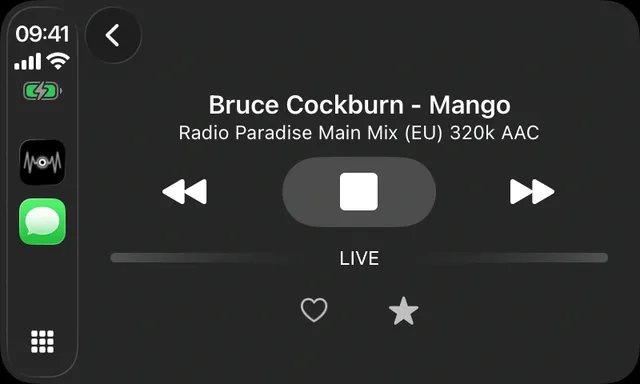
CarPlay built in
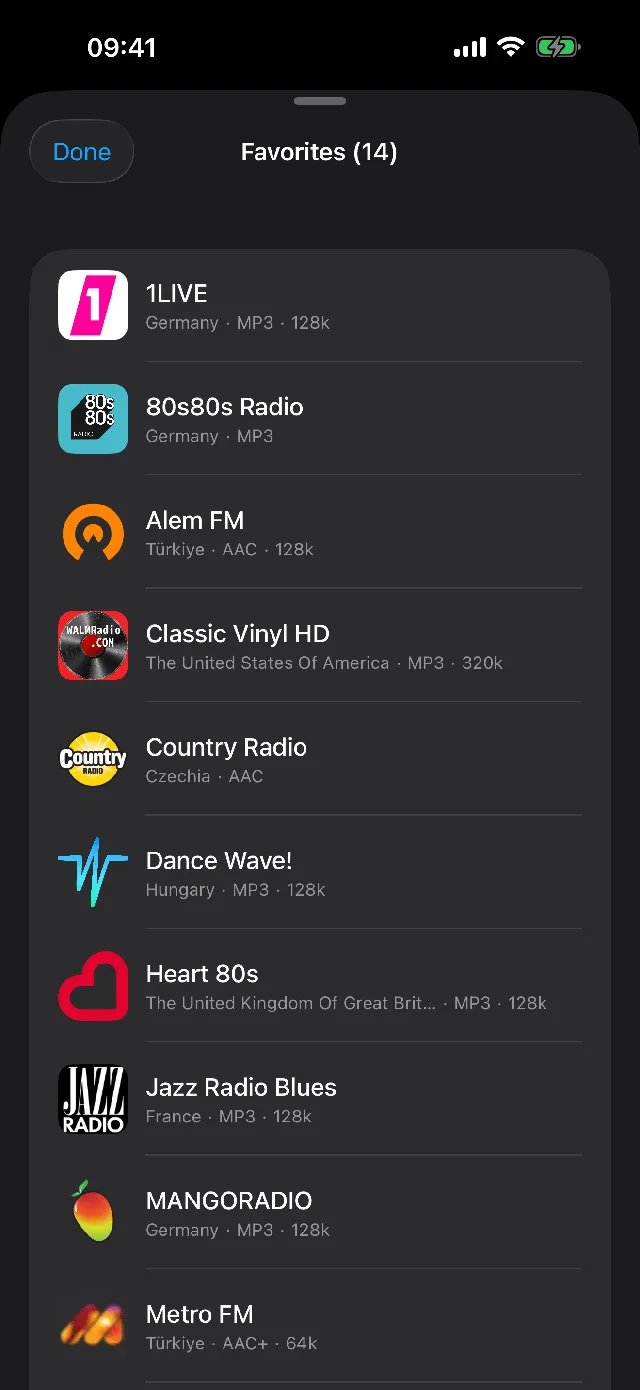
A preset grid that feels like real car radio buttons. Your stations follow you to the dashboard, wired or wireless.
Widgets and Lock Screen
Home Screen widgets, Live Activities with Dynamic Island, and full Lock Screen controls. The radio is always one glance away.
Song ID, no microphone
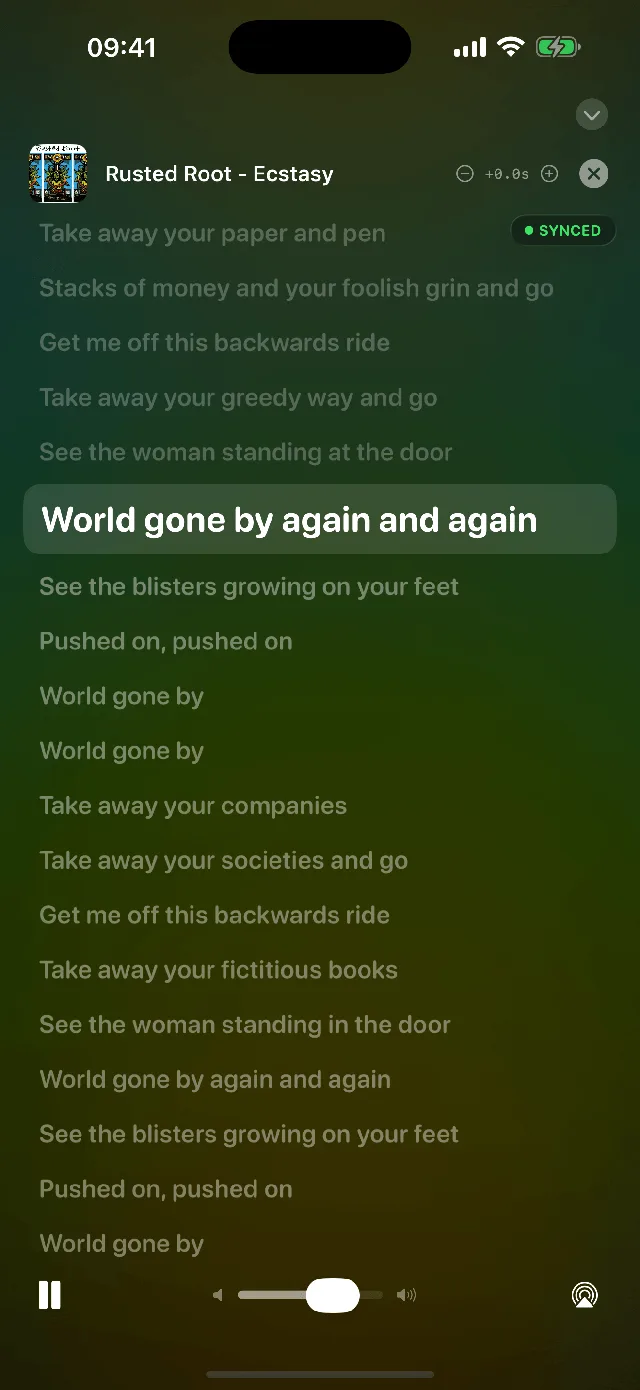
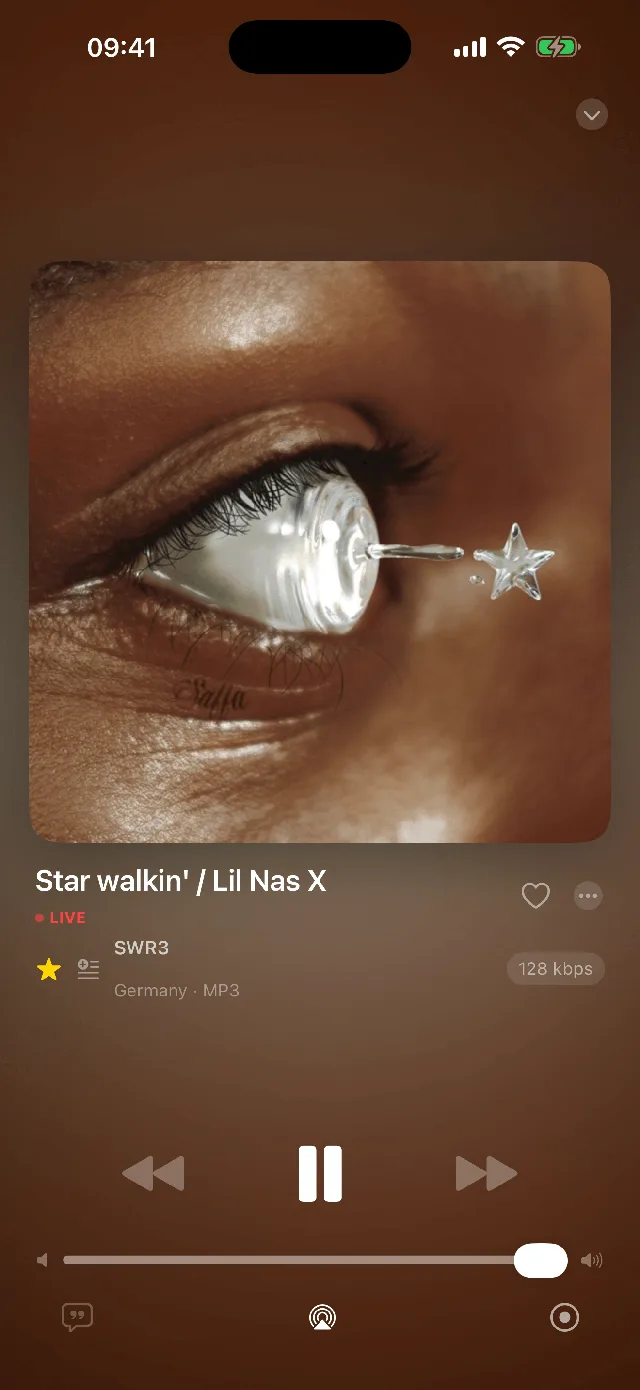
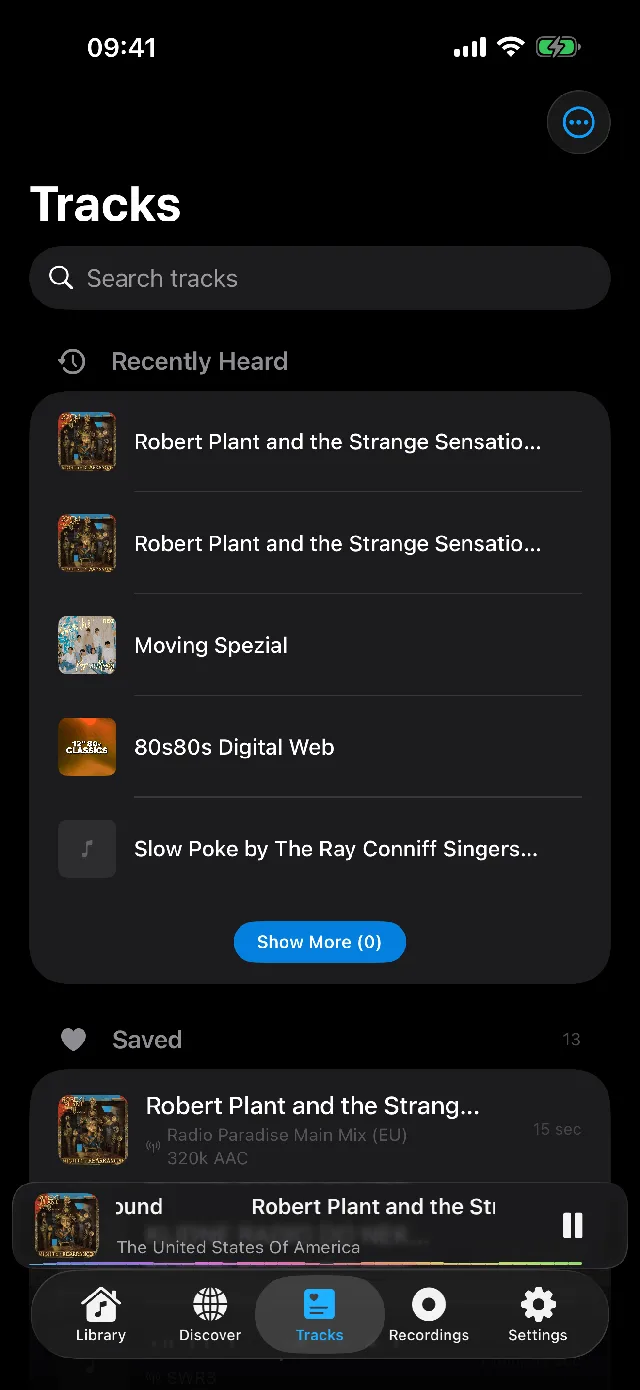
Macdio reads the stream itself to name the song playing, so it never asks for microphone access. Heart a song and it can land in your Apple Music library automatically. See what song is playing on the radio.
Does the iPhone have a radio at all?
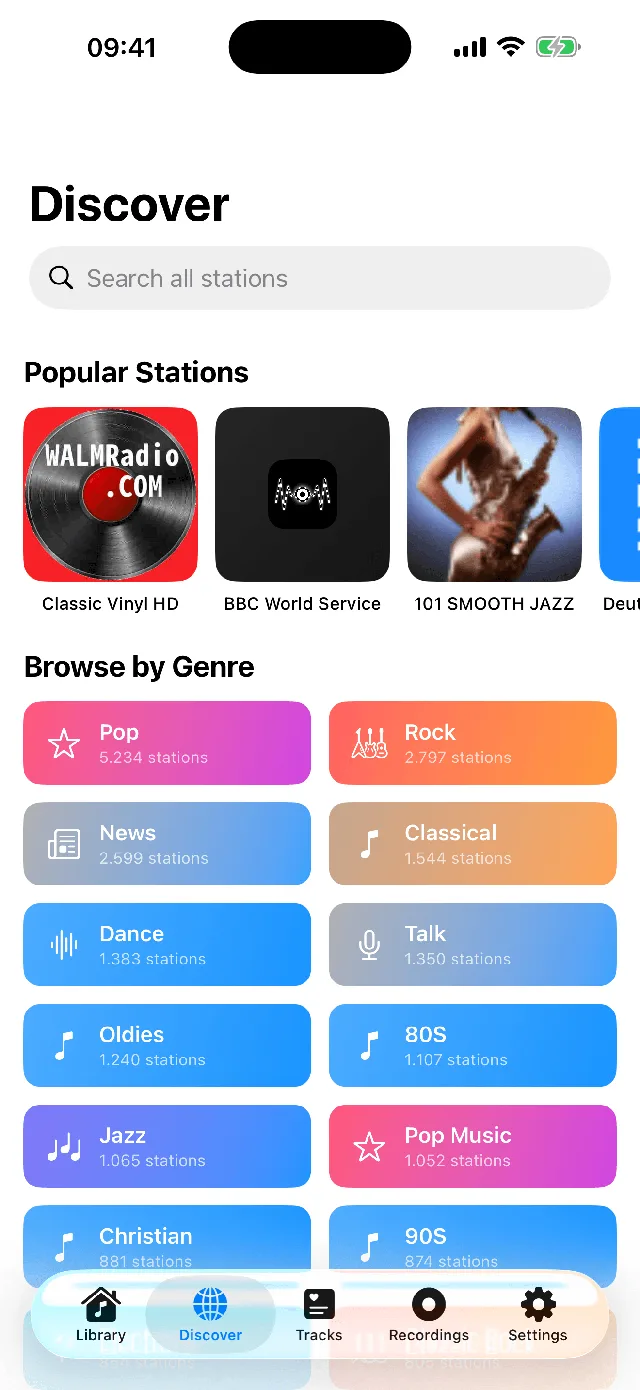
Not one you can switch on. Apple said in 2017 that its phones carry no FM chip and no antenna for one, and no app can change that. Internet radio is what fills the gap, and it reaches far more than FM ever did: a station in Tokyo comes through the same way a station in your own city does. The longer answer is in the guide on the iPhone and FM radio.
Which iPhones it runs on
Macdio needs iOS 26 or newer. One purchase covers the iPhone, iPad, Mac, Apple TV and Apple Watch apps, and Family Sharing works, so a family pays once between them rather than once each.
What an hour of listening costs in data
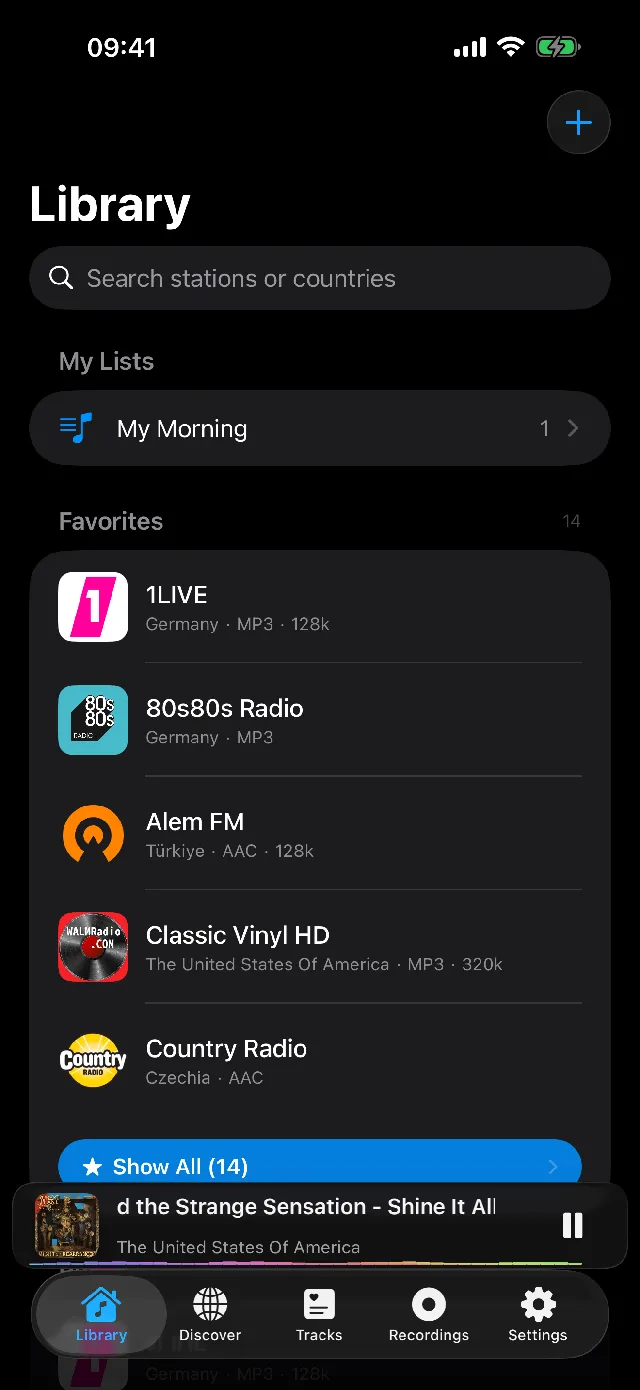
A stream costs exactly what its bitrate says, because nothing is added on top. At 128 kbps, which is the most common setting, an hour is about 58 MB. A 320 kbps station runs closer to 2.4 MB a minute, and a low bitrate talk station can be a quarter of the 128 kbps figure. Macdio shows the bitrate on the station itself, so you can pick a lighter stream when you are on cellular and a heavier one on Wi-Fi.
Radio next to the bed
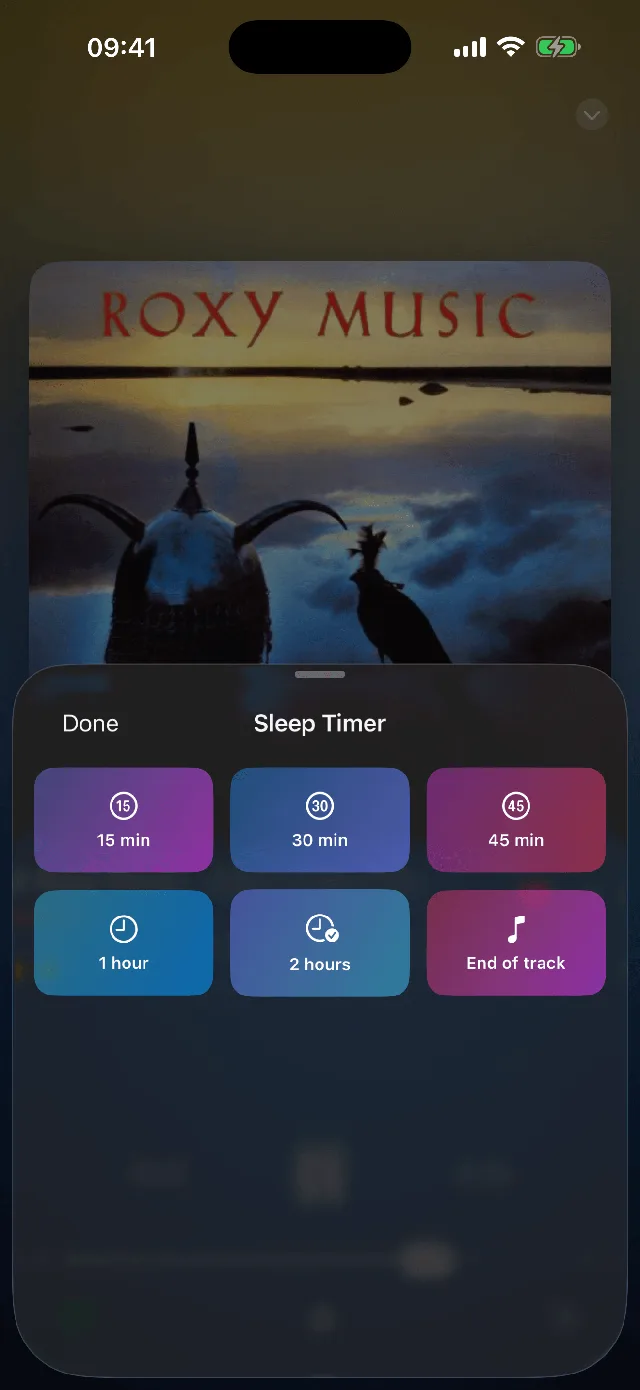
Clock Mode turns the phone into a bedside radio: a large dimmed clock, the station playing behind it, and a sleep timer that fades out rather than cutting off. It works in either orientation, so a phone propped on a charger lands the right way up.
Everything a radio listener needs
Does the iPhone have a built-in FM radio?
How do I listen to radio in the car?
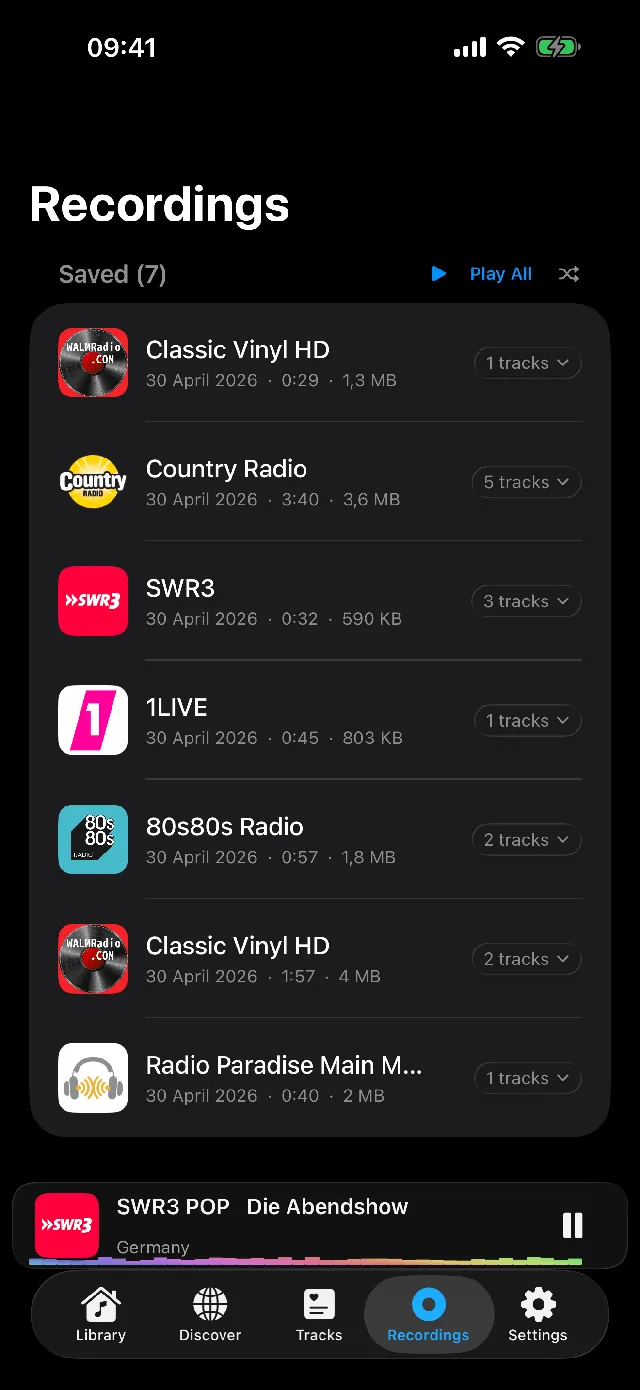
Can I record radio on my iPhone?
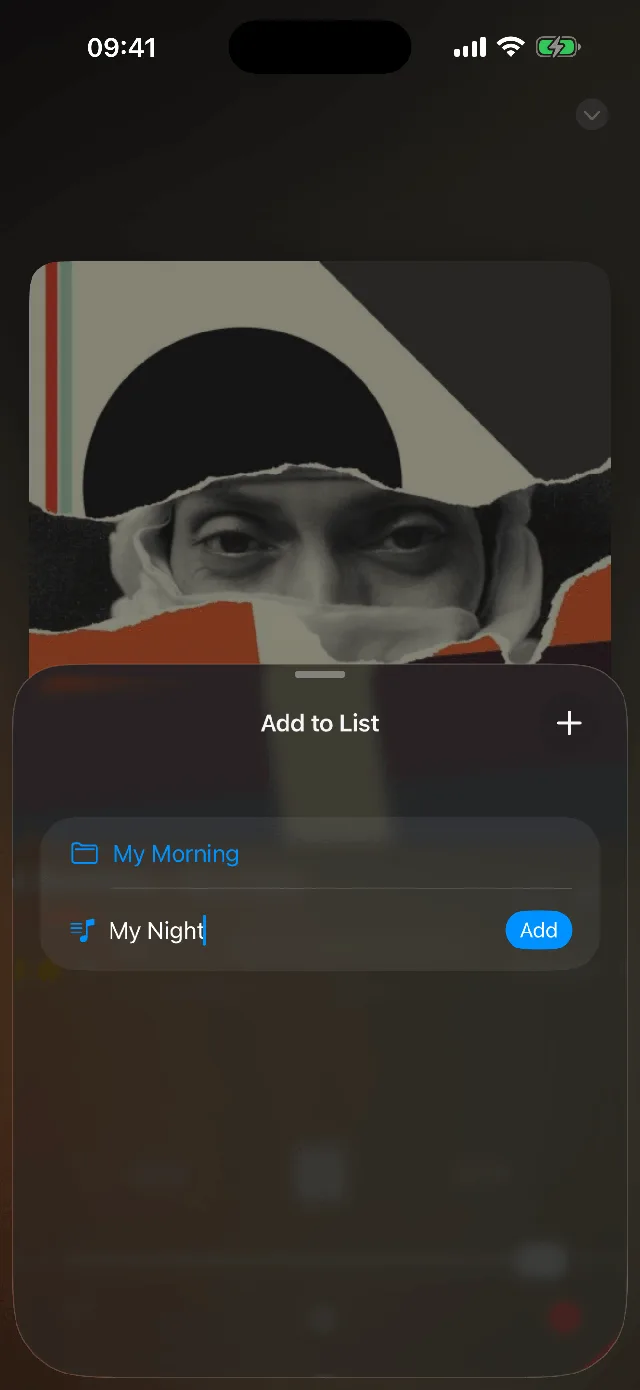
Can I add a station that is not in the catalog?
Can I fall asleep and wake up to the radio?
Does it sync with my other Apple devices?
Ready to tune in?
Get Macdio on the App Store. One purchase covers iPhone, iPad, Mac, Apple TV and Apple Watch. No subscription, no ads, no tracking.