Yes, the Apple TV can play internet radio, and Macdio is a native tvOS app built for it. Install it once, pick a station from 55,000+ worldwide, and the living room speakers do the rest. No subscription, no ads, and nothing to set up on the phone first.
Top Shelf favorites
Your stations sit in the Apple TV Top Shelf with their logos. Two clicks from TV-on to music-playing.
Game controller support
PlayStation and Xbox controllers work out of the box, every key remappable. The Siri Remote can stay on the couch.
Big-screen Now Playing
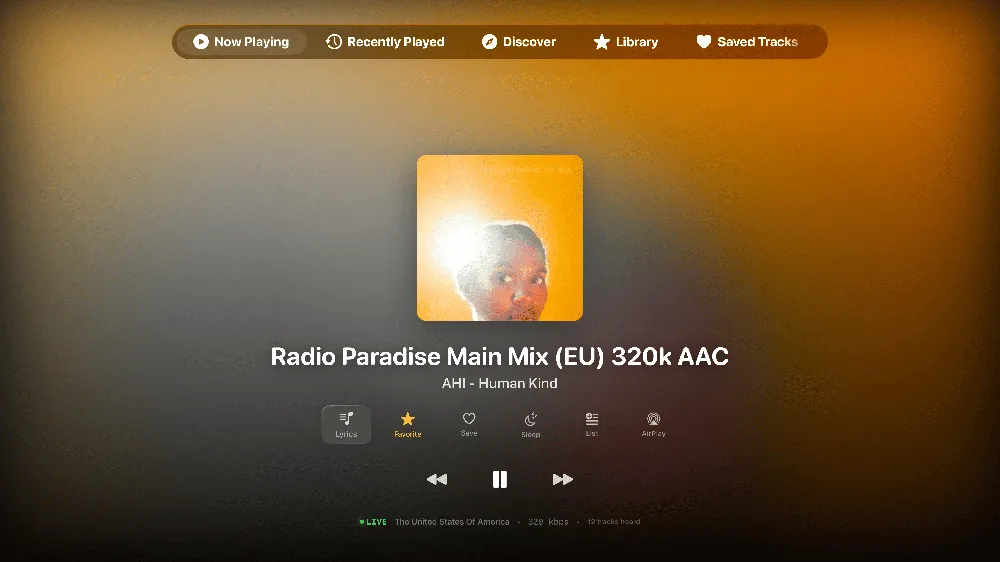
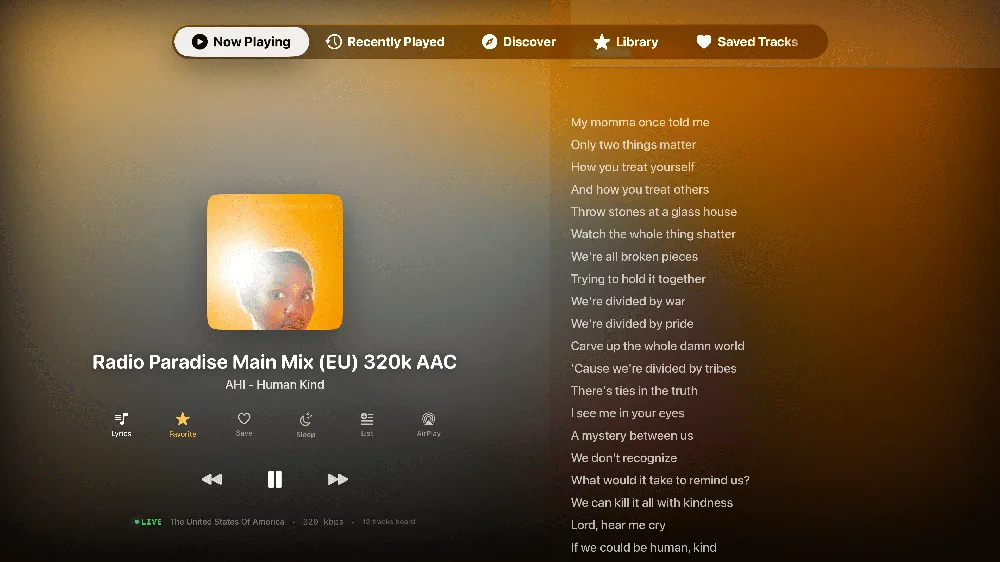
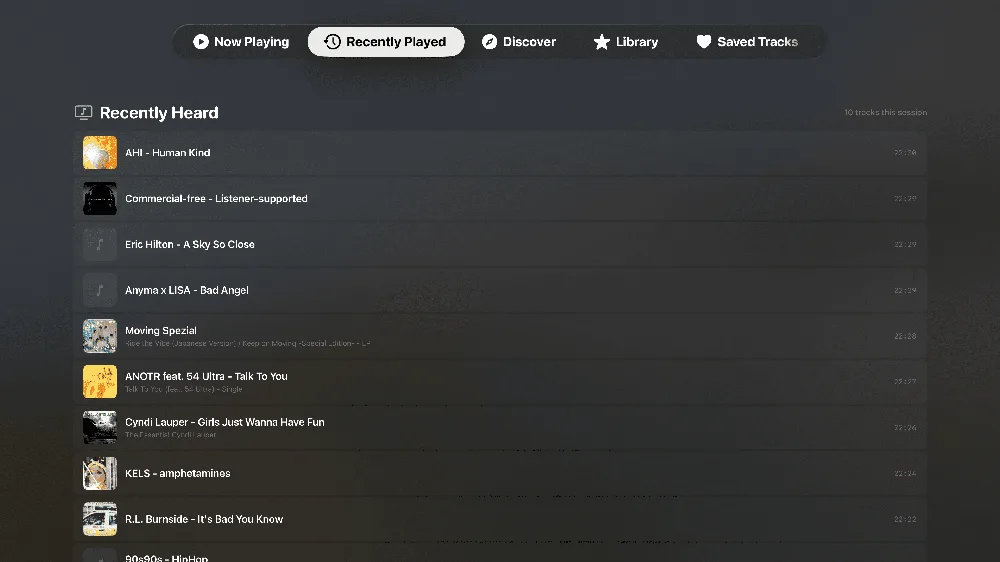
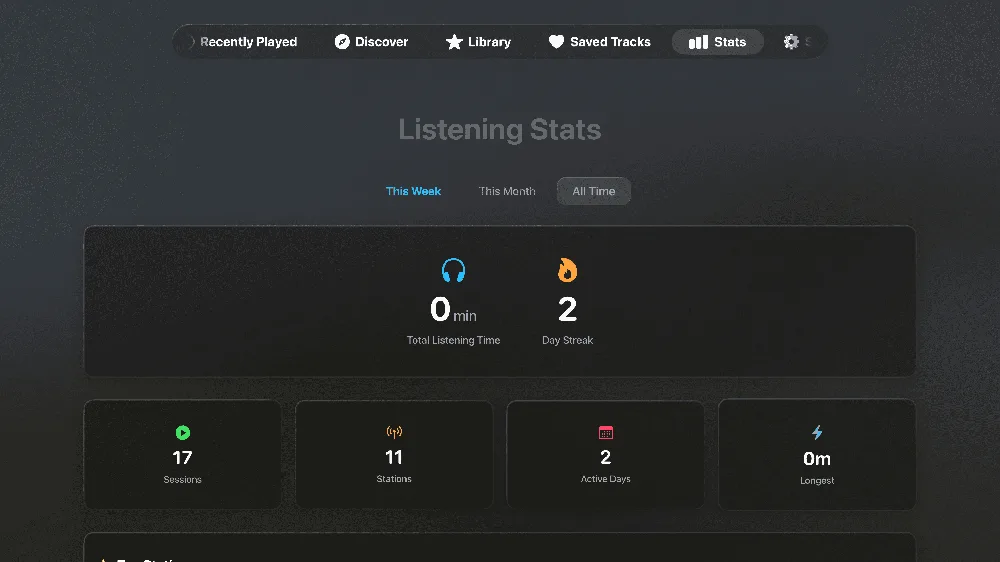
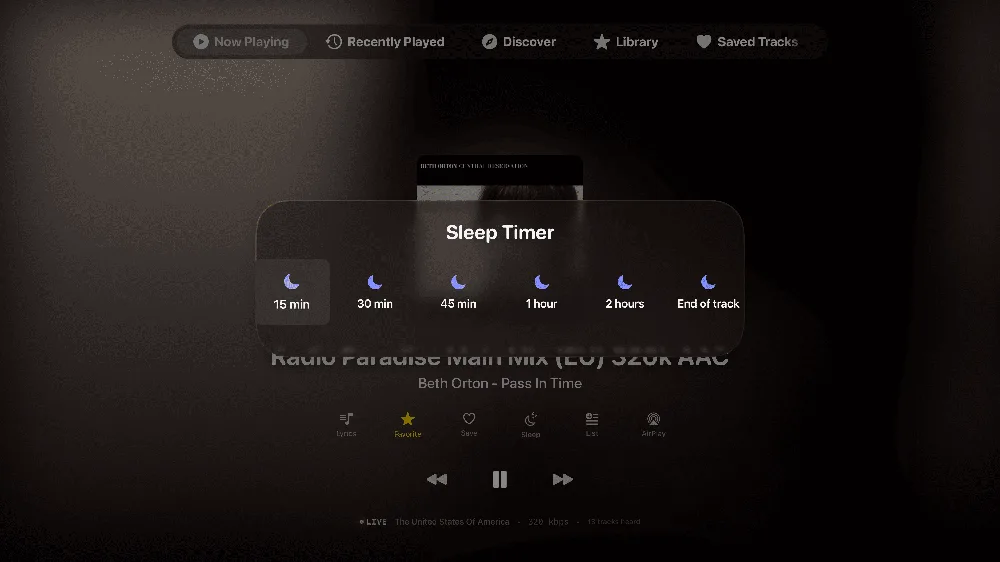
Album artwork, live song identification and synced lyrics, designed for viewing from across the room.
How to listen to radio on your Apple TV
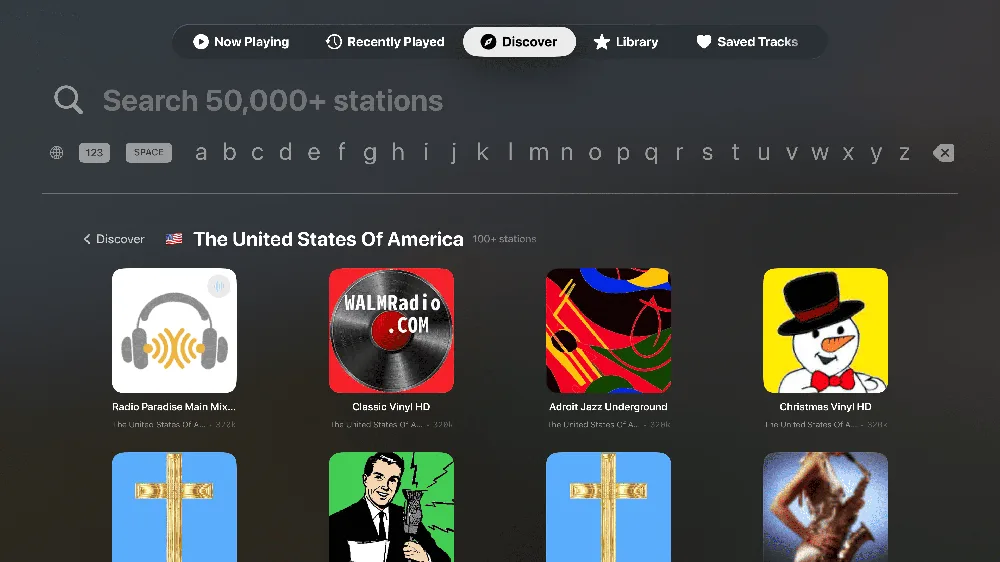
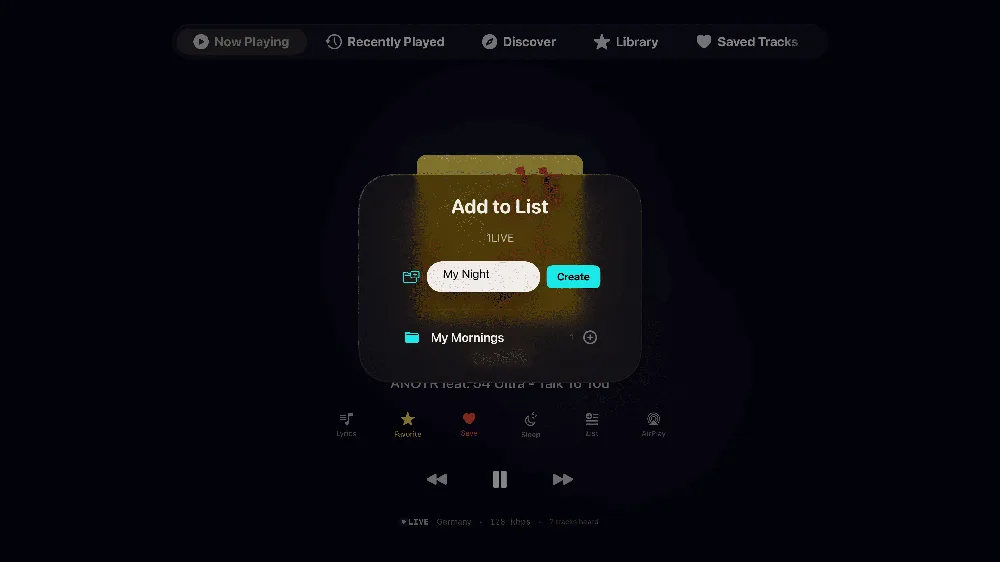
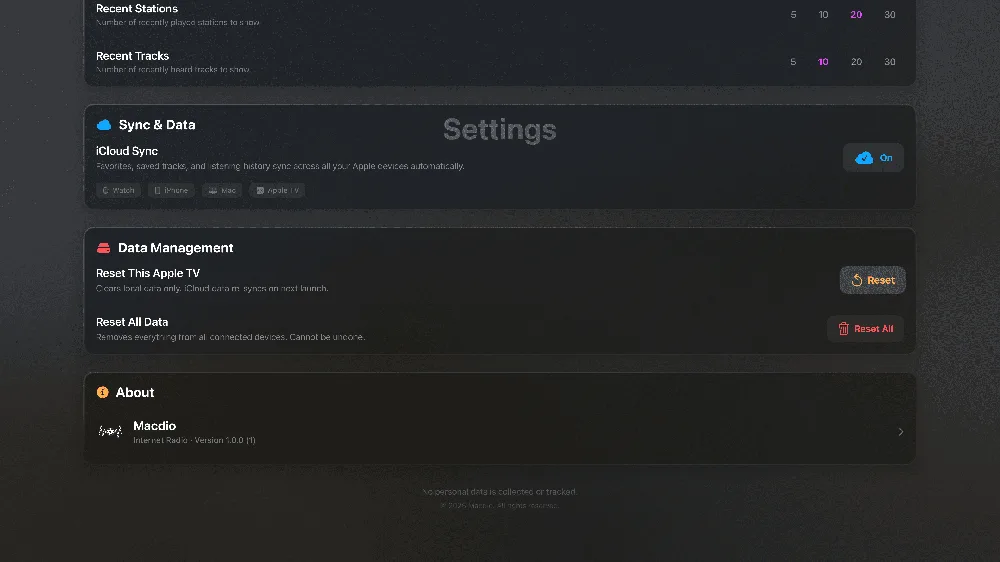
Install Macdio from the App Store on the Apple TV, or let it appear automatically if you already own it on the iPhone, since one purchase covers every Apple device. Open it and pick a station by country, genre or search, or press play on a favorite that has already synced over iCloud from your other devices. Your most-used stations then sit in the Top Shelf above the app icon, which turns tuning in into two clicks from the home screen.
Which Apple TV models
Macdio needs tvOS 18 or newer, which covers the Apple TV HD and every Apple TV 4K. The purchase is shared with iPhone, iPad, Mac and Apple Watch, so if you already bought it on the phone, signing in on the TV is all that is left.
The remote, and a game controller if you have one
The Siri Remote drives everything, but a connected game controller is faster for browsing 55,000 stations: the sticks move through the grid, the shoulder buttons jump between tabs, and play, pause and skip are mapped to the face buttons. Any MFi or PlayStation or Xbox controller the Apple TV already knows about works with no setup.
What Top Shelf actually shows
When Macdio is in the top row of the home screen, the shelf above it fills with your own favourites and the stations you played most recently, each with its real logo. Selecting one starts it playing without opening the app first, which for a radio is usually the only thing you wanted.
Radio, made for television
Is there an internet radio app for Apple TV?
Can I use a game controller?
Does it show what song is playing?
Do I need to buy it again for Apple TV?
Does the Apple TV have a built-in radio app?
Which Apple TV models does it work on?
Is there a free radio app for Apple TV?
Ready to tune in?
Get Macdio on the App Store and it appears on your Apple TV. No subscription, no ads, no tracking.