
As of 12 October 2026 Macdio records live radio on iPhone, iPad and Mac. The recording is taken from the stream itself, so there is no microphone and no ambient noise. Split by Track cuts the session into one file per song using the station's own song boundaries, with a minimum-length guard so a corrected title never cuts a song in two. The Song ID engine then scans the finished recording and lists the songs in it with timestamps. The file is the stream's own audio, in the format and bitrate the station broadcasts.
How a session becomes tracks
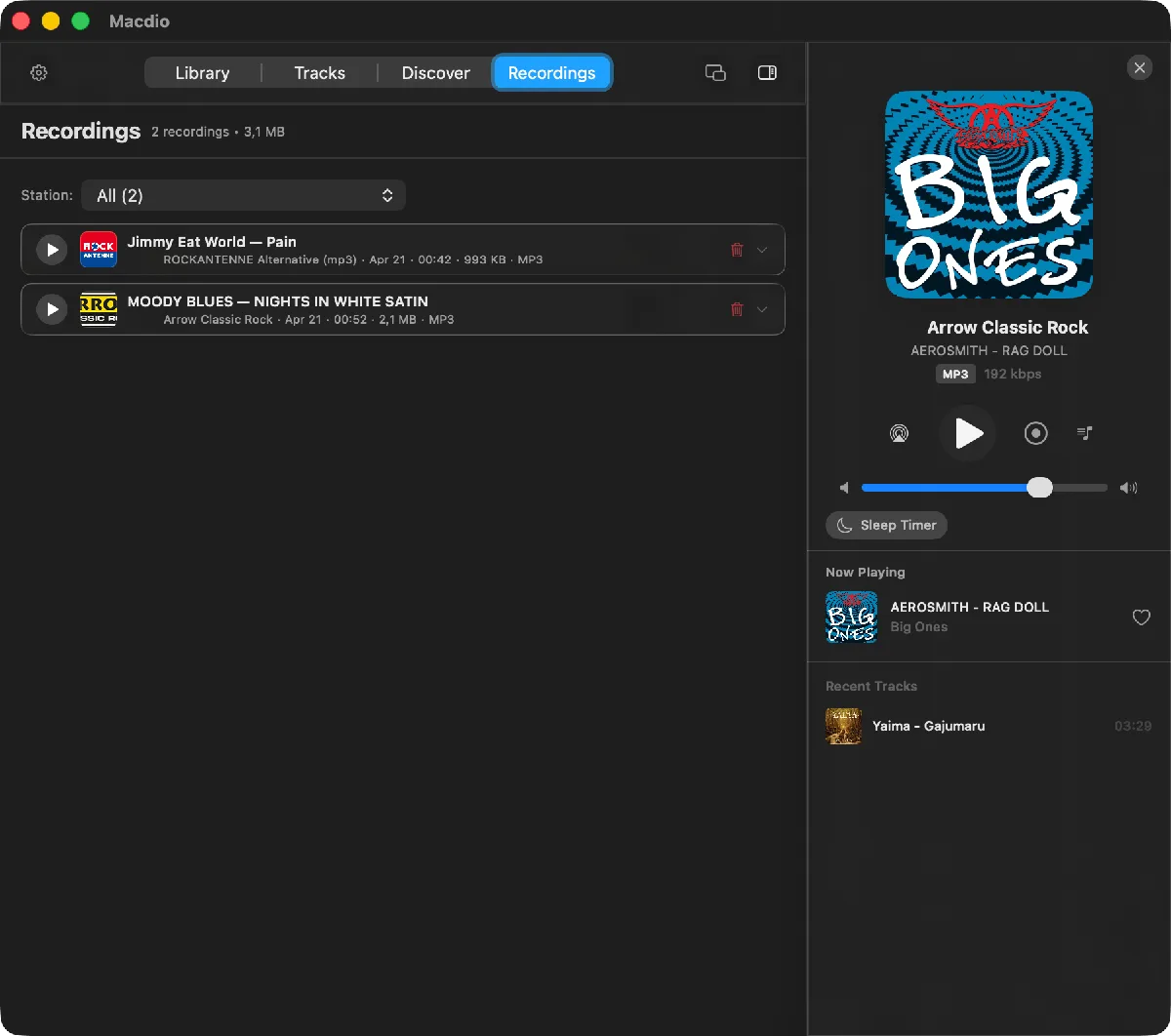
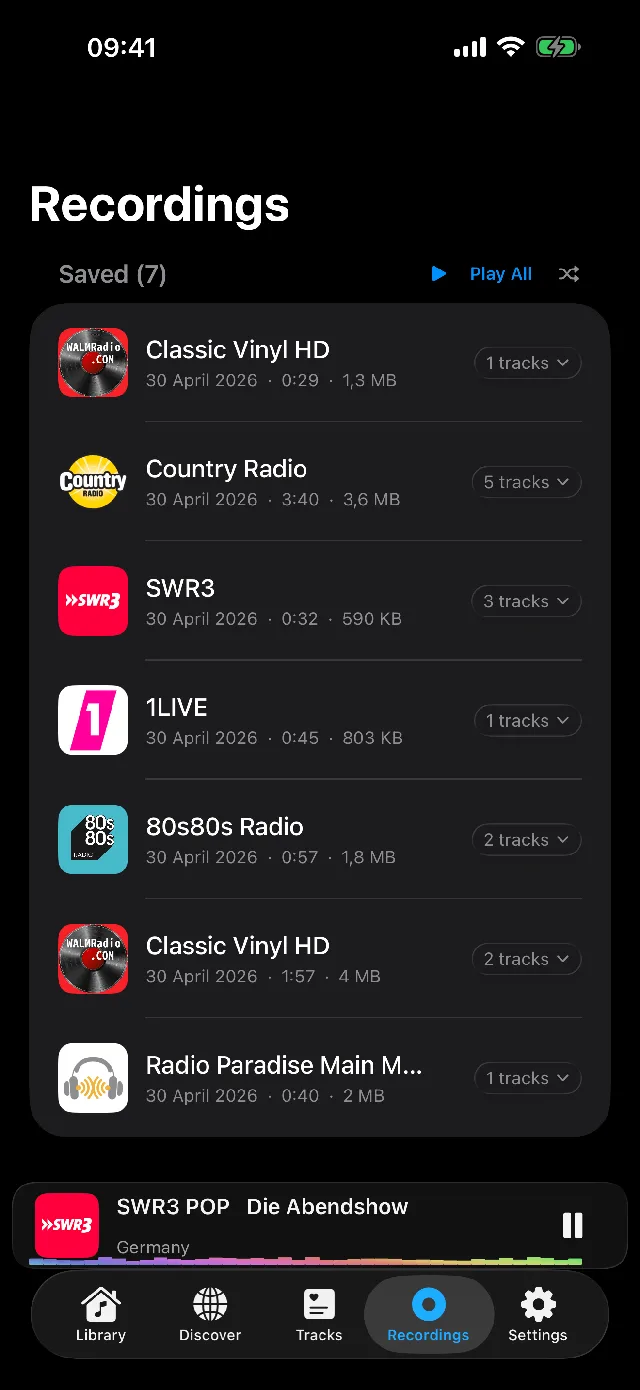
Press record while a station plays. Macdio writes the stream to a file and watches the station's metadata for the moment one song ends and the next begins. With Split by Track on, each boundary closes one file and opens the next, named after the song. Stations that send no titles are recorded as one file, and Song ID names the songs inside it afterwards.
Limits, stated plainly
- Recording works on iPhone, iPad and Mac. Apple TV and Apple Watch play but do not record.
- A recording stops on its own after three hours by default; you can change the maximum length. There is no scheduled recording at a set time.
- Recording does not start with less than 500 MB free. While it runs, Macdio warns every five minutes once free space drops under 500 MB, and stops and saves the file when it gets critical, so the device never fills up.
- Recordings stay inside the app. There is no export, share sheet, AirDrop or copy into Files; that was a decision made with App Review and it will not change.
Format and quality
There is no quality setting to get wrong: Macdio writes the audio exactly as it arrives, so an MP3 station gives an MP3, an AAC station an AAC, and a FLAC or Ogg station keeps its format too. A 320 kbps station gives a 320 kbps file. When Song ID has named the song in an AAC recording, its title, artist, cover and lyrics are written into the file, which then becomes an .m4a.
Is it allowed?
Recording a broadcast for your own listening is the same thing a cassette deck did for decades, and in most countries personal use is fine. Sharing or selling a recording is not, which is also why Macdio keeps recordings inside the app. The recording guide has more on where personal recording stands.
Common questions
Can Macdio record internet radio?
Can I schedule a recording?
Can I export or share a recording?
Which formats does it record in?
Does it work on Apple TV or Apple Watch?
Try it
Macdio is on the App Store as a one-time purchase. The Song ID page explains how the songs inside a recording get their names.