One App.
Made to Listen.
Stream 60,000+ radio stations on iPhone, iPad, Mac, Apple TV, Apple Watch and CarPlay, and follow 4.7 million podcasts, each with a transcript made on your device. Record live audio, follow synced lyrics and sync everything through iCloud.
Song Identification
Macdio names the song
the station won't.
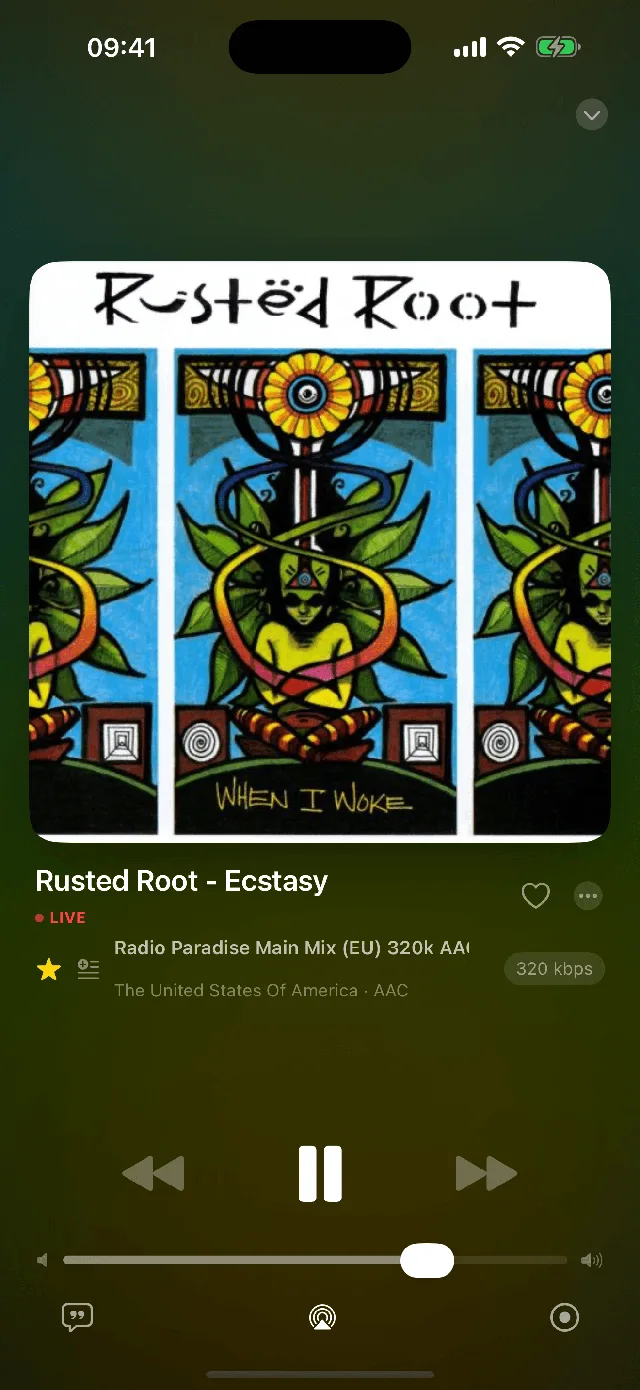
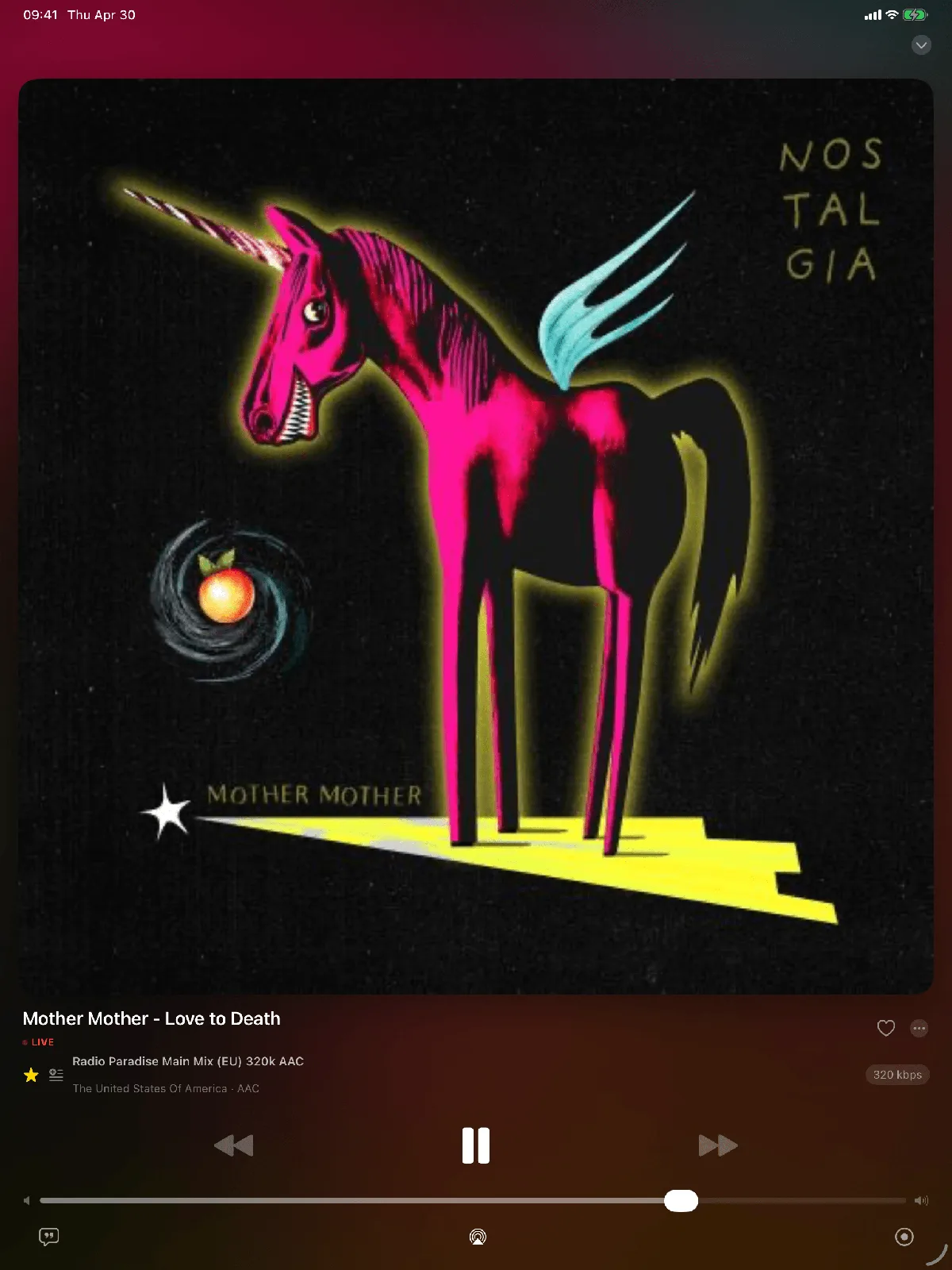
Thousands of stations stream music with no title, no artist, no artwork. Macdio listens in the background and identifies it for you. No microphone, no tapping. The album art simply appears.
Record the radio. Get back a tagged library.
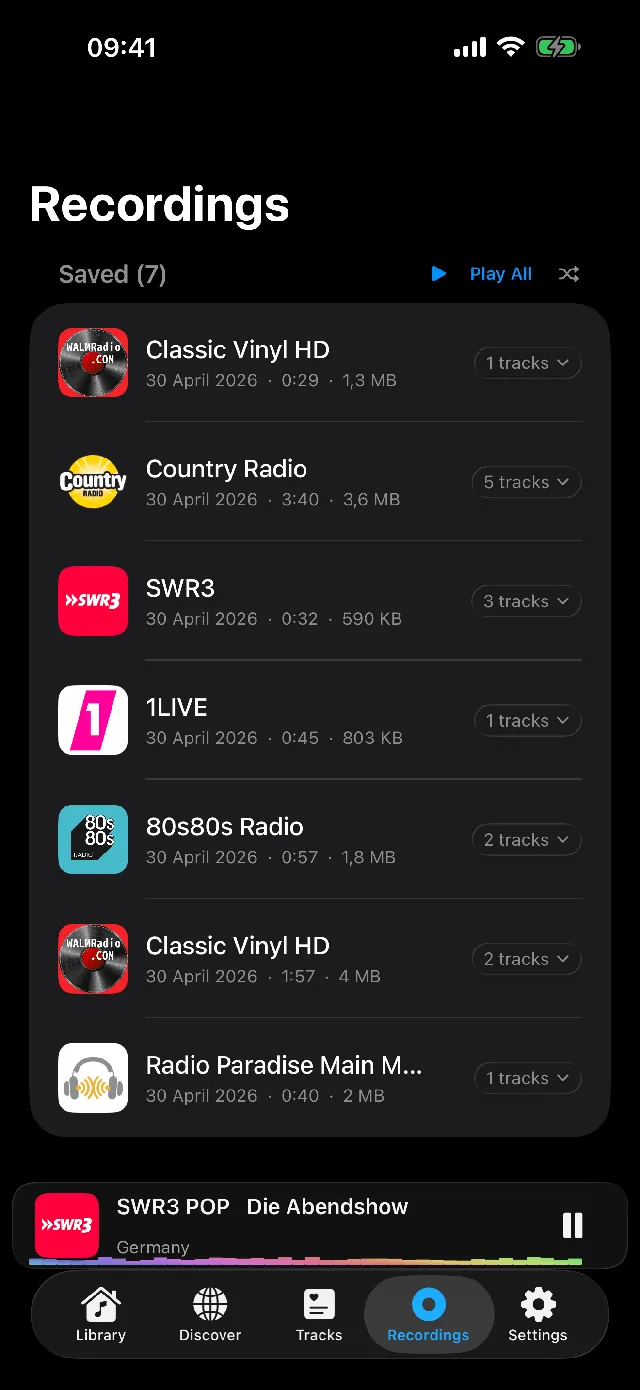
Capture any live stream straight from the network, with zero ambient noise. Macdio can split the recording into one file per song, then identify the unknown ones in the background and name them for you. You started with a stream. You end with an organized music library.
Every word, on time.
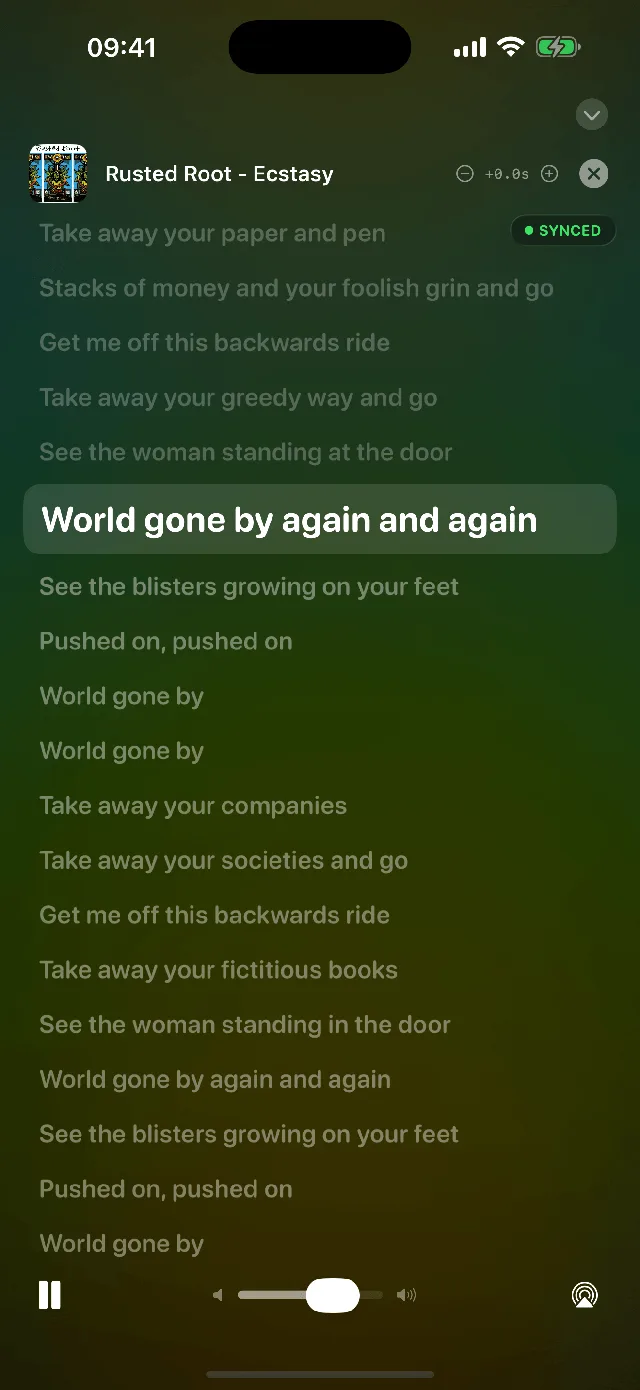
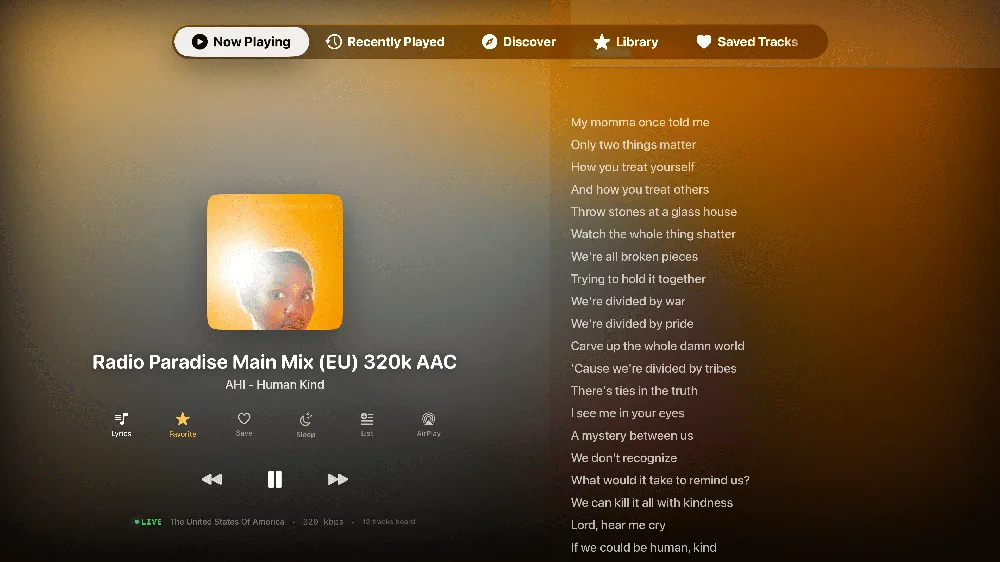
Macdio pulls time synced lyrics and scrolls them line by line as the song plays, highlighting the current line. Radio broadcasts run a little ahead, so you can nudge the timing until it lands exactly right.
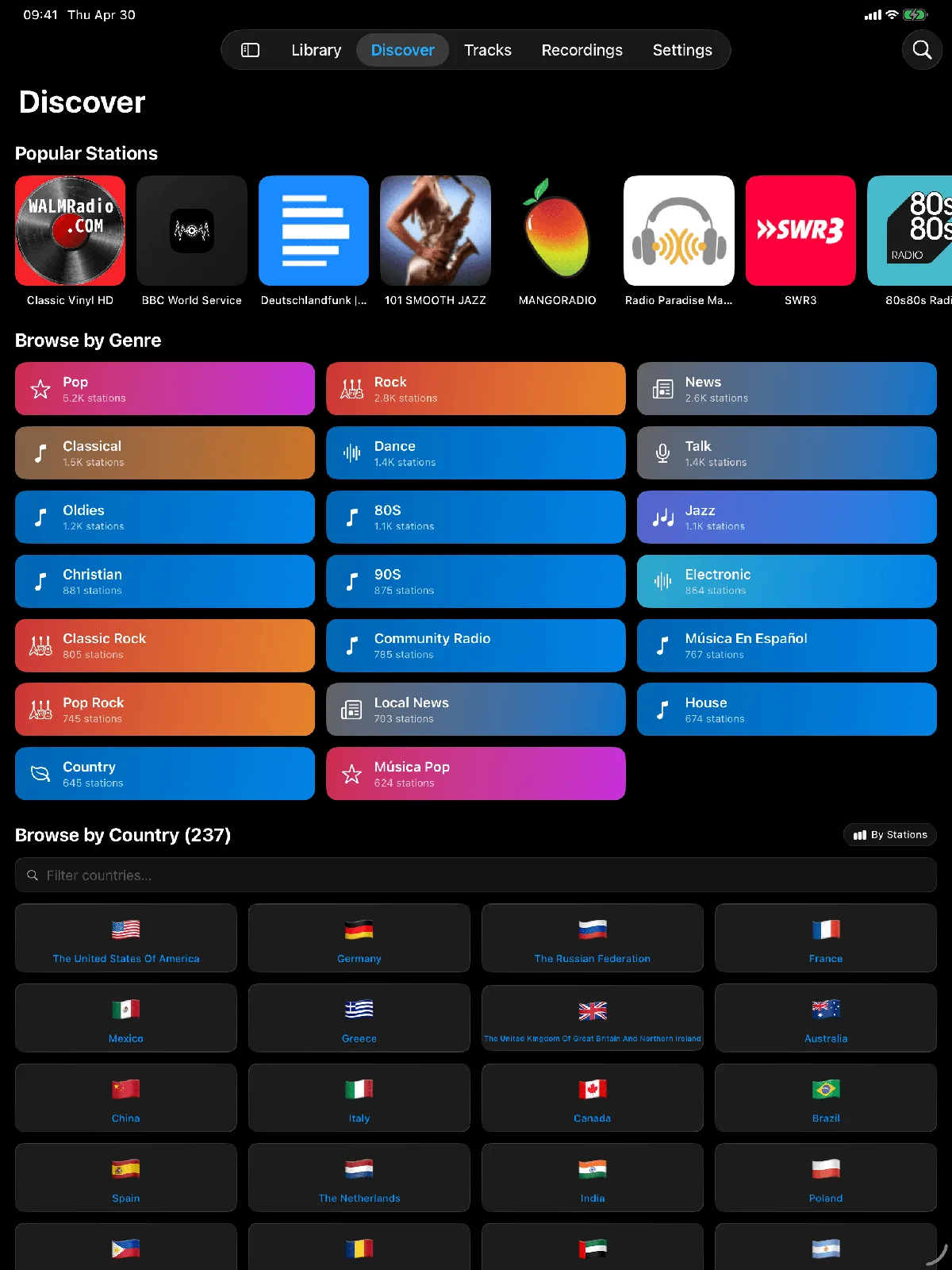
60,000 stations. A world to tune into.
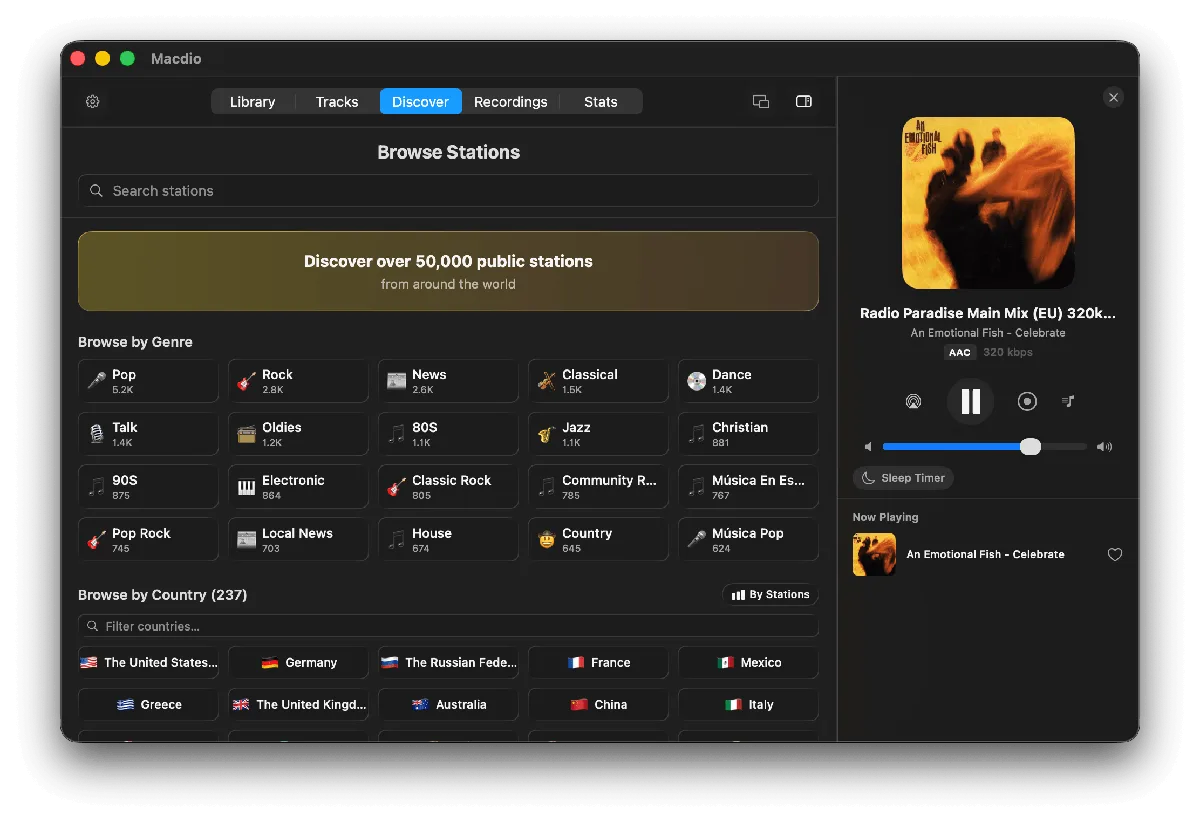
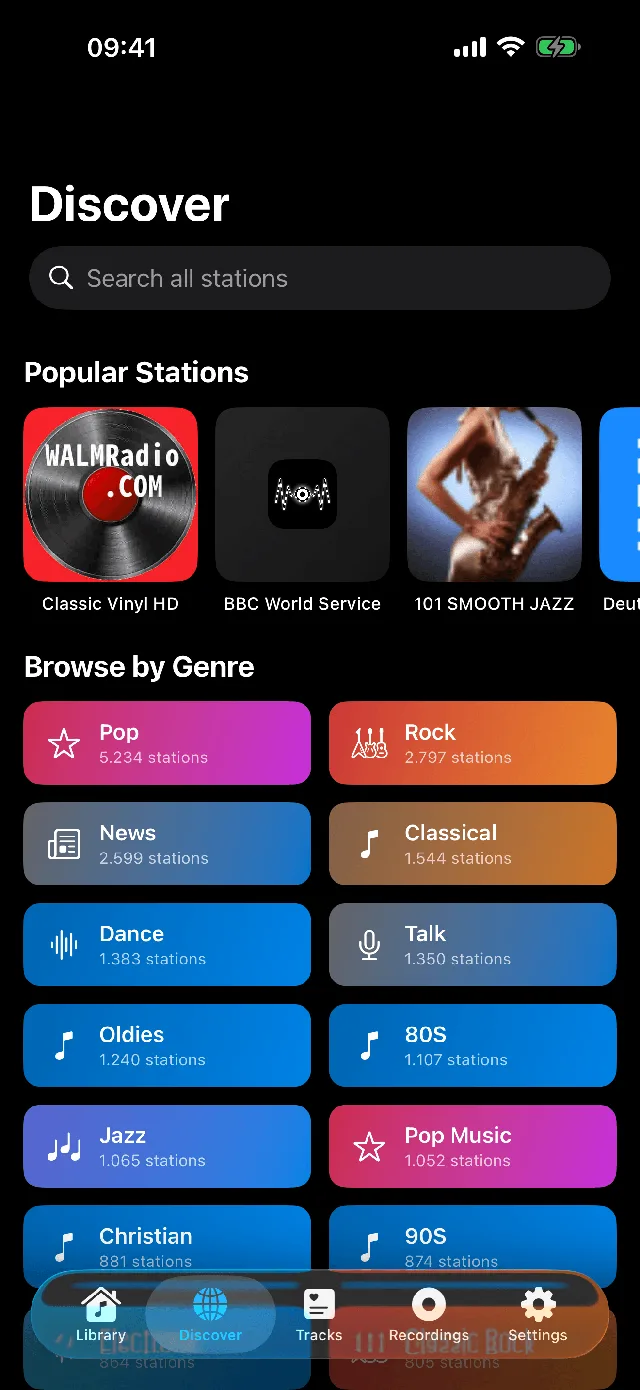
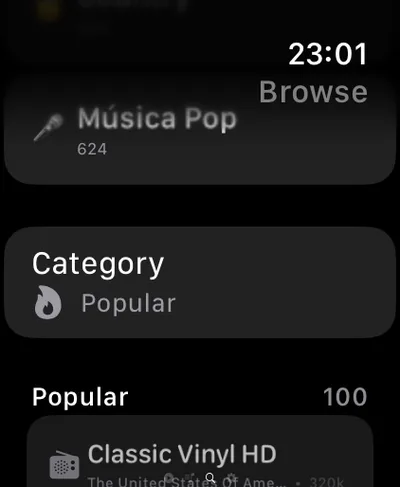
Browse by genre, country, or language, or jump straight to what is popular near you. Search across 60,000+ live stations and add any stream you like. The whole planet's radio, one tap away.
Radio and podcasts in one app.
Follow any of 4.7 million podcasts and play episodes next to your stations. Every episode gets a transcript, chapters and the list of songs it plays. The transcript is made on your device, not on a server.
- 00:00Intro
- 04:12Headlines
- 19:40Interview
- 41:05Listener mail
So the tower stayed on air for another ten years.
Nobody on the team expected the signal to carry that far.
The letters started arriving the next week.
Transcribed on your device
Every episode becomes searchable text, made on the device you listen on.
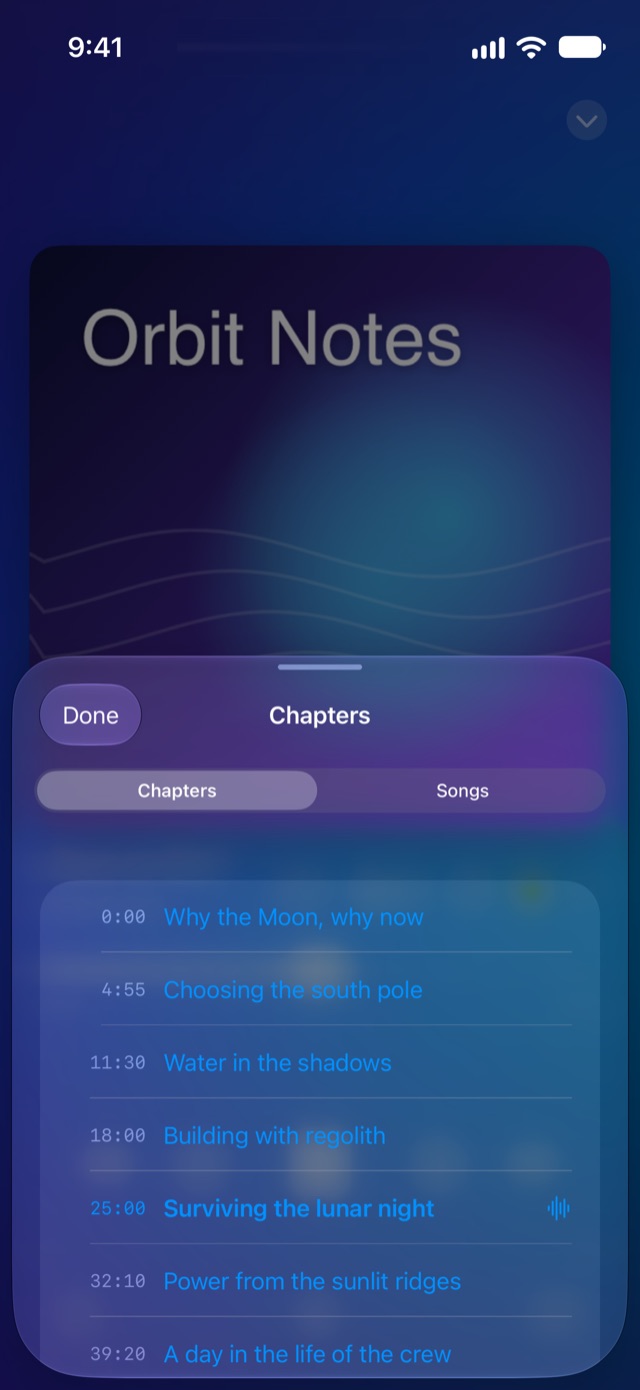
Chapters and summaries
Jump to a chapter, read a summary or search inside the episode.
Songs in every episode
The songs an episode plays are identified from the audio and saved to Tracks.
Highlights
Mark a moment with the bookmark button or with Siri, and send it to Apple Notes, Notion, Obsidian, Bear, Craft or Readwise.
Up Next with live radio
Queue episodes and stations together. A station hands over when its time is up.
Charts and search
The popular shows of your country, and a search across the 4.7 million podcasts of the Podcast Index.
Every episode, transcribed on your device.
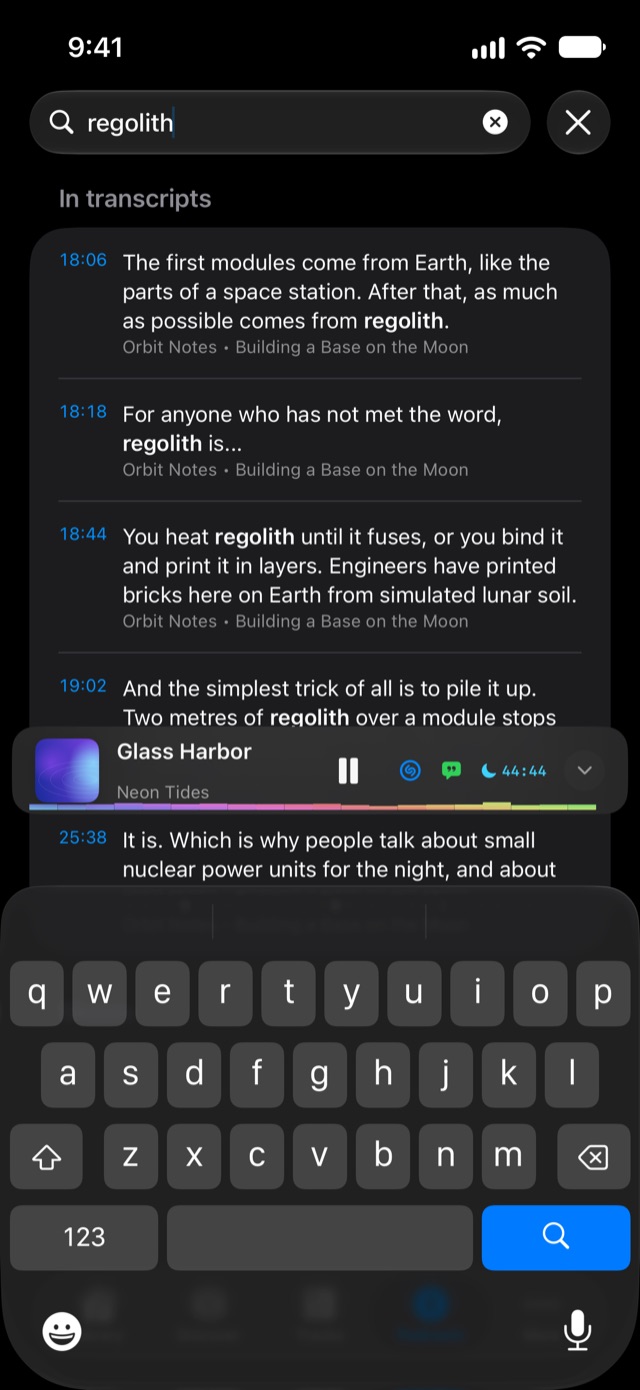
Apple's speech recognition runs on the iPhone, iPad or Mac in your hand. The audio is not uploaded and there is no account. Each episode becomes searchable text where you can jump to the exact line, and chapters, a summary and a song list are made from it.
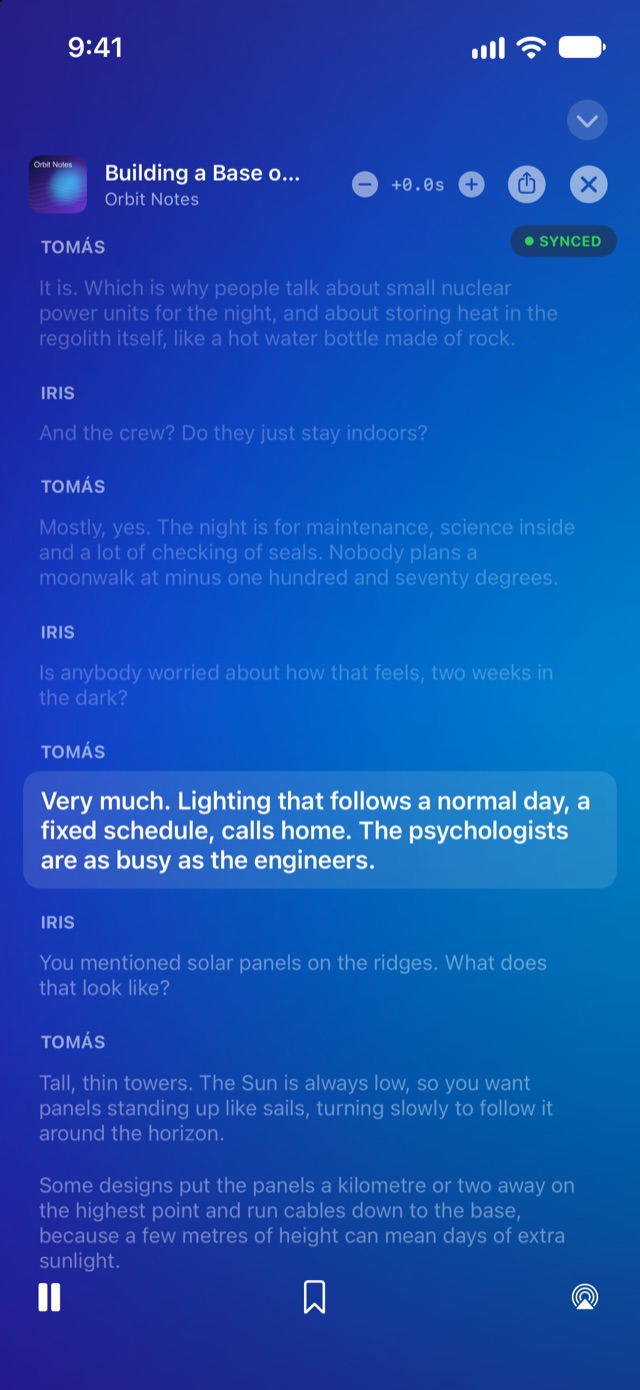
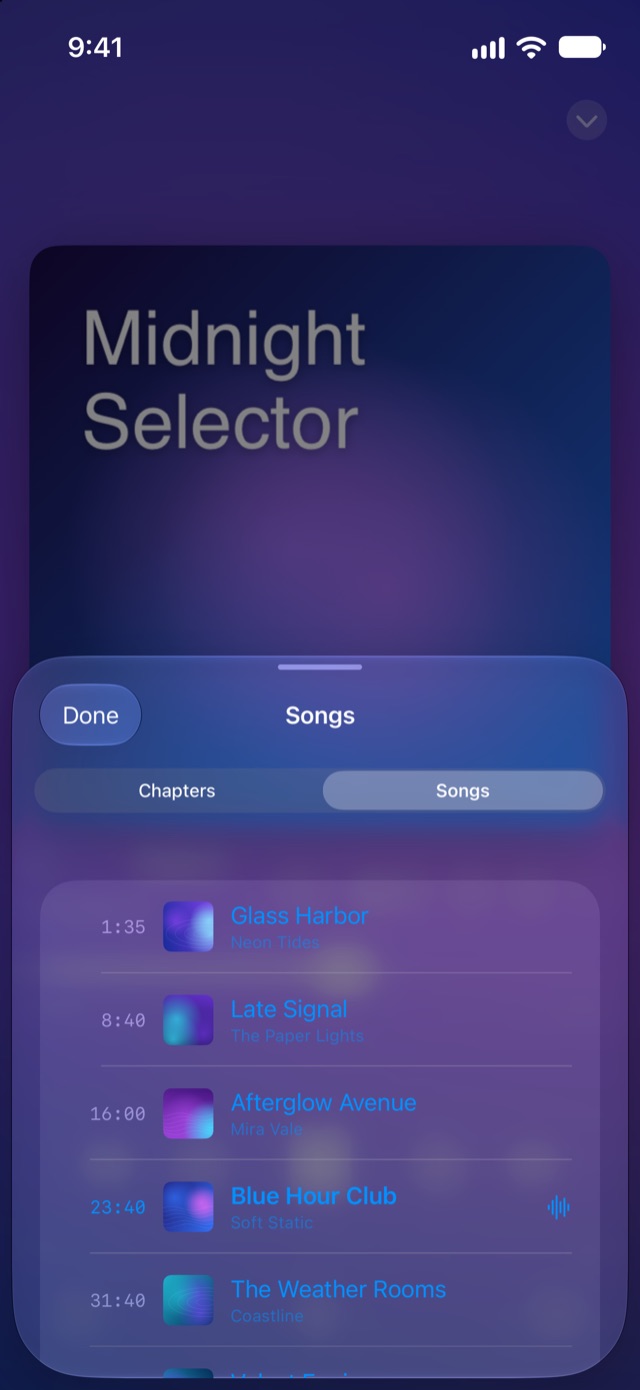
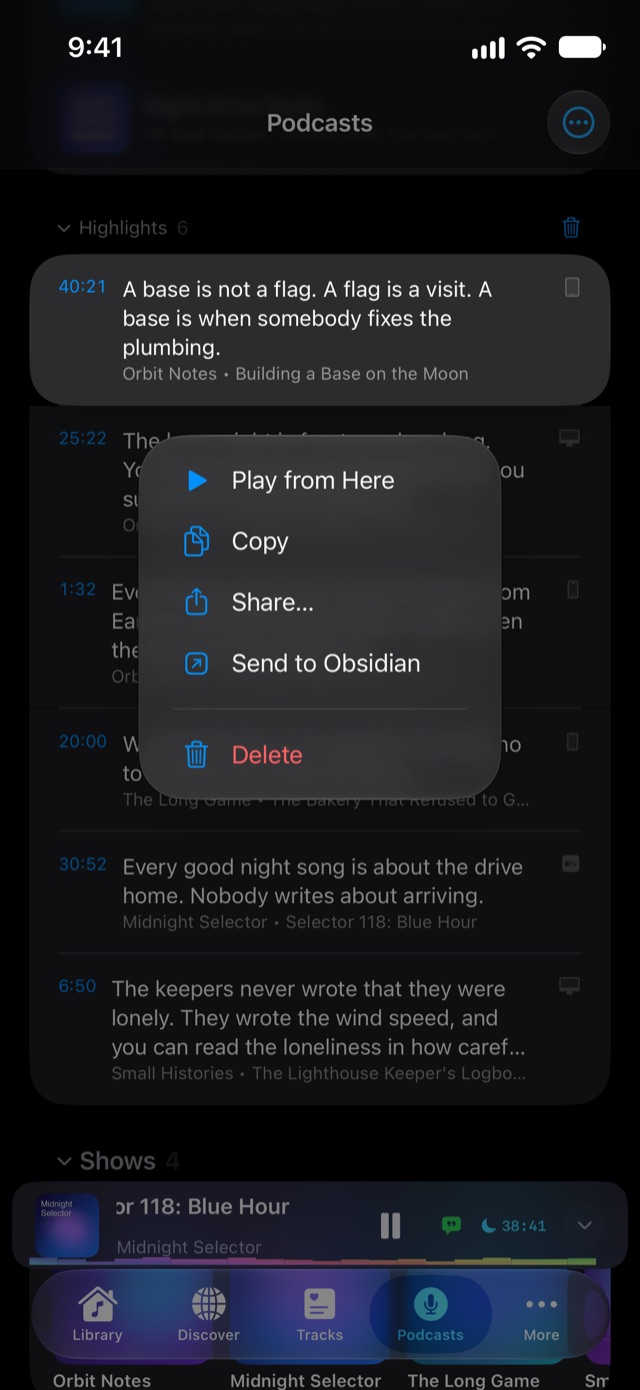
Mark the moment. Send it to your notes.
Hear something worth keeping? Tap the bookmark button, or tell Siri "Mark this moment in Macdio" when your hands are full. Macdio saves the exact second with the sentence from the transcript and sends it to your notes app. You can share it with anyone too.
On Apple TV, transcripts made on your iPhone or Mac arrive through iCloud.
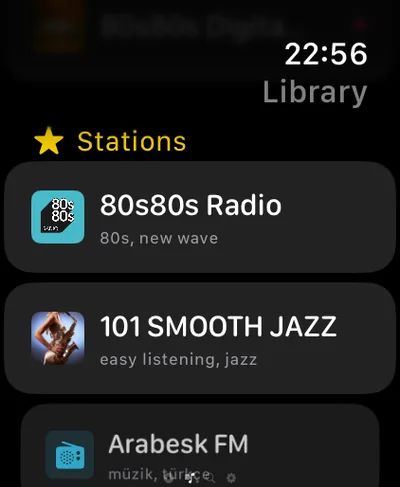
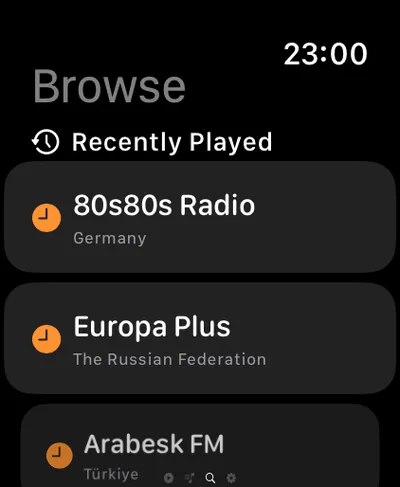
Every Apple device
Built native for each screen. Not stretched to fit.
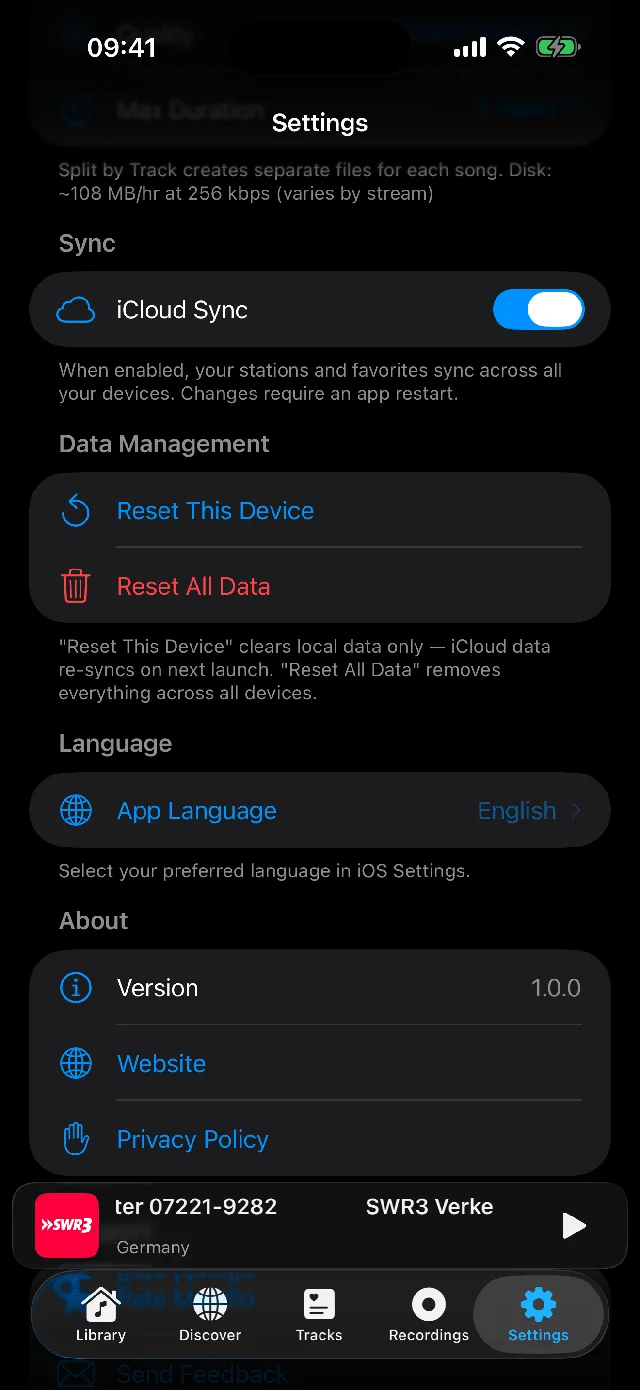
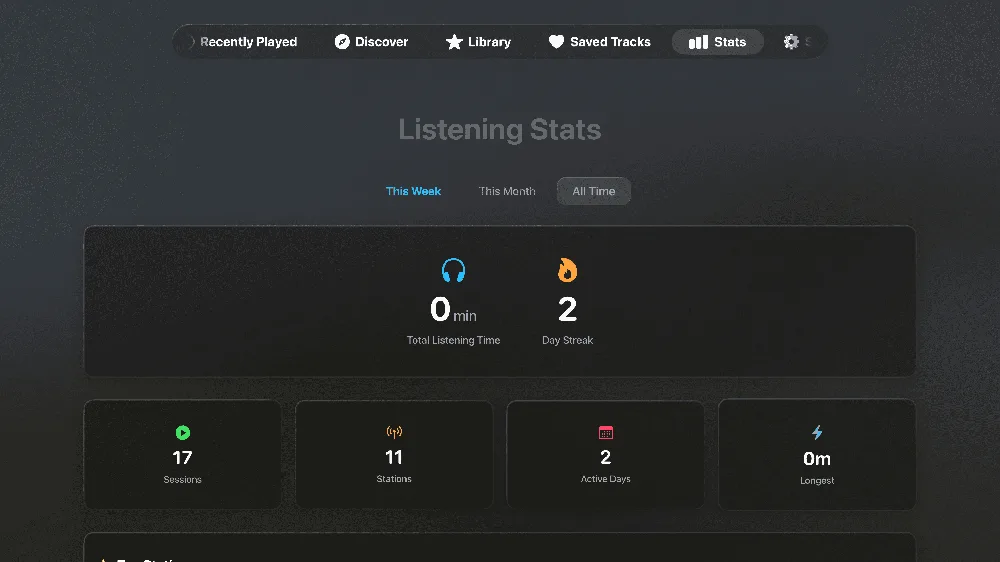
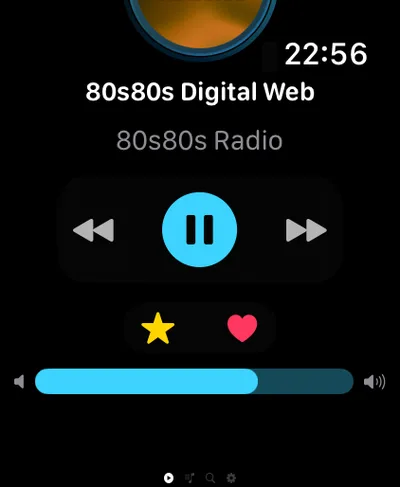
One purchase. Every screen you own. A station you heart on your wrist shows up on your Mac and your TV.
App Preview
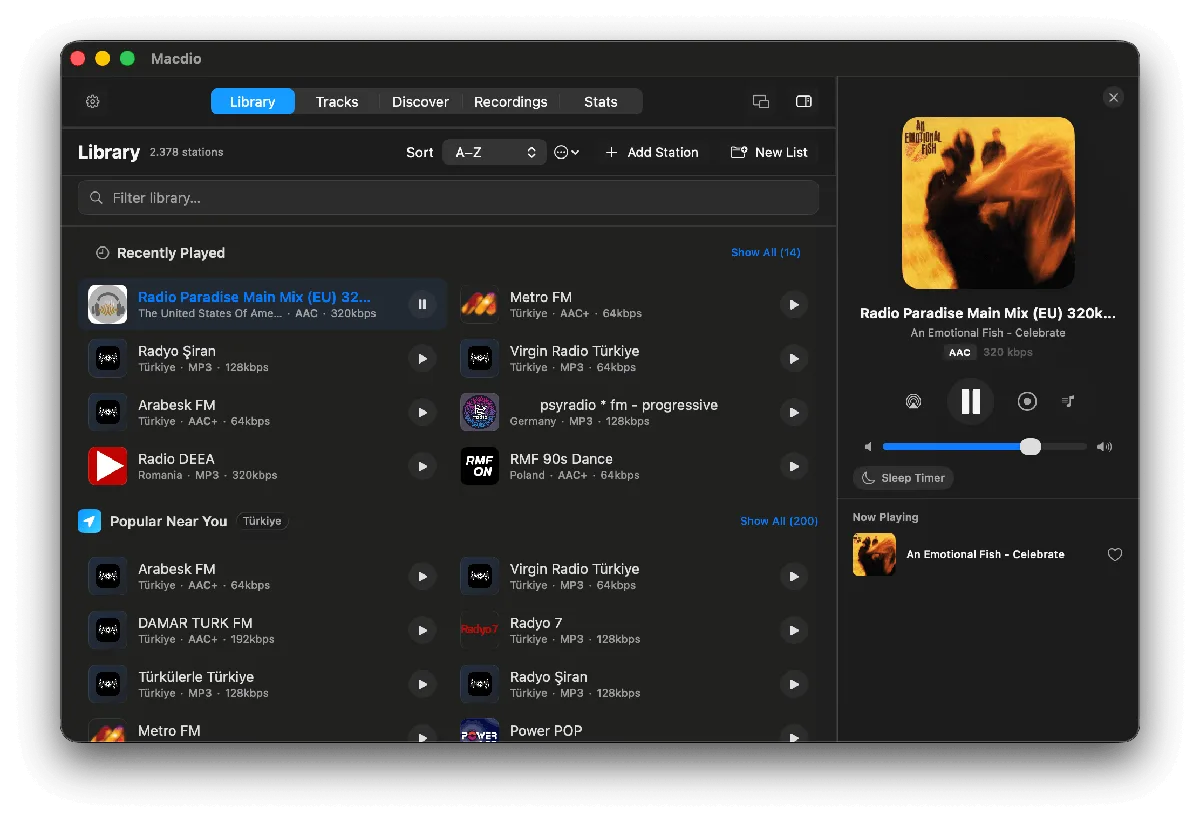
Macdio on every screen
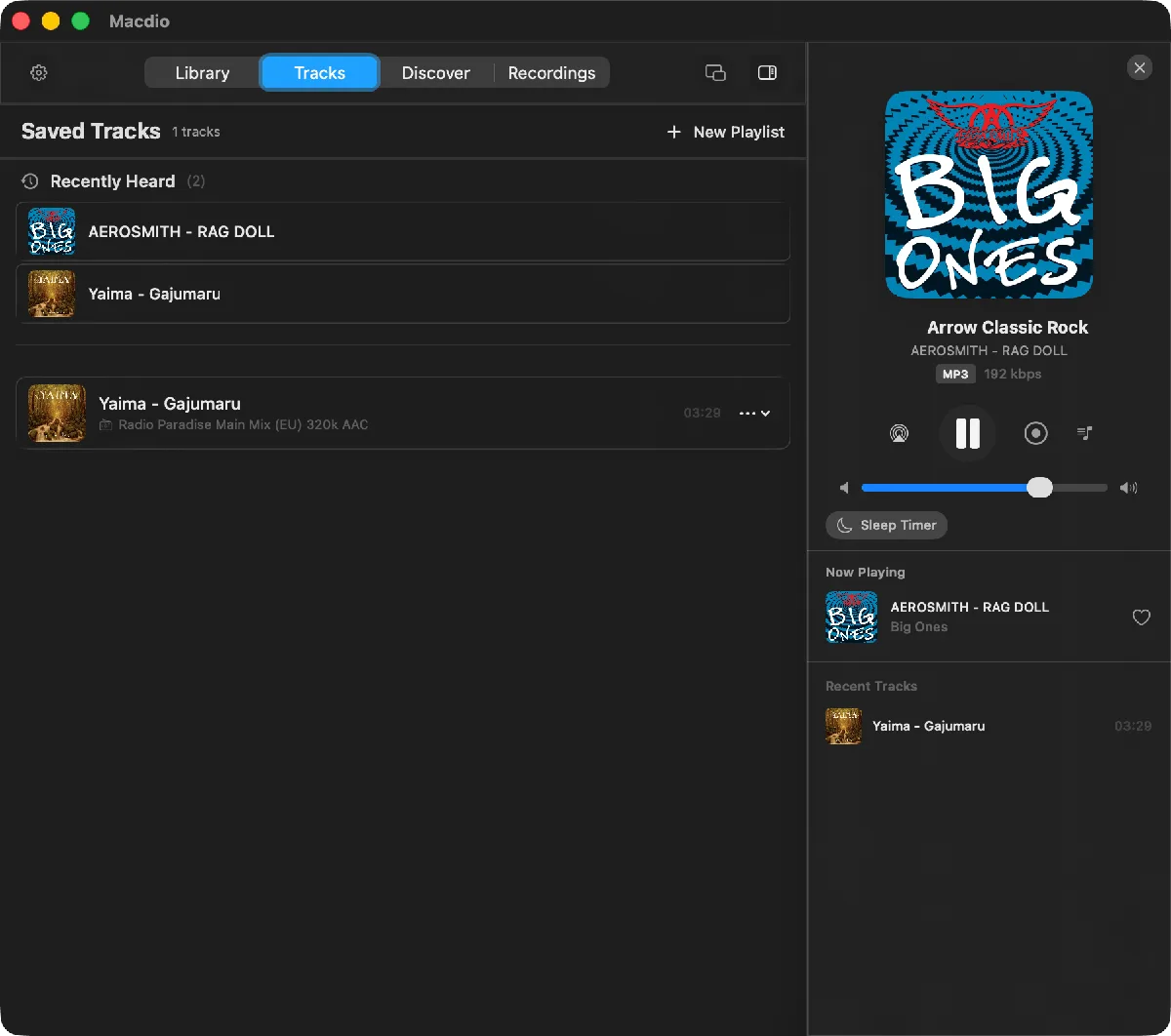
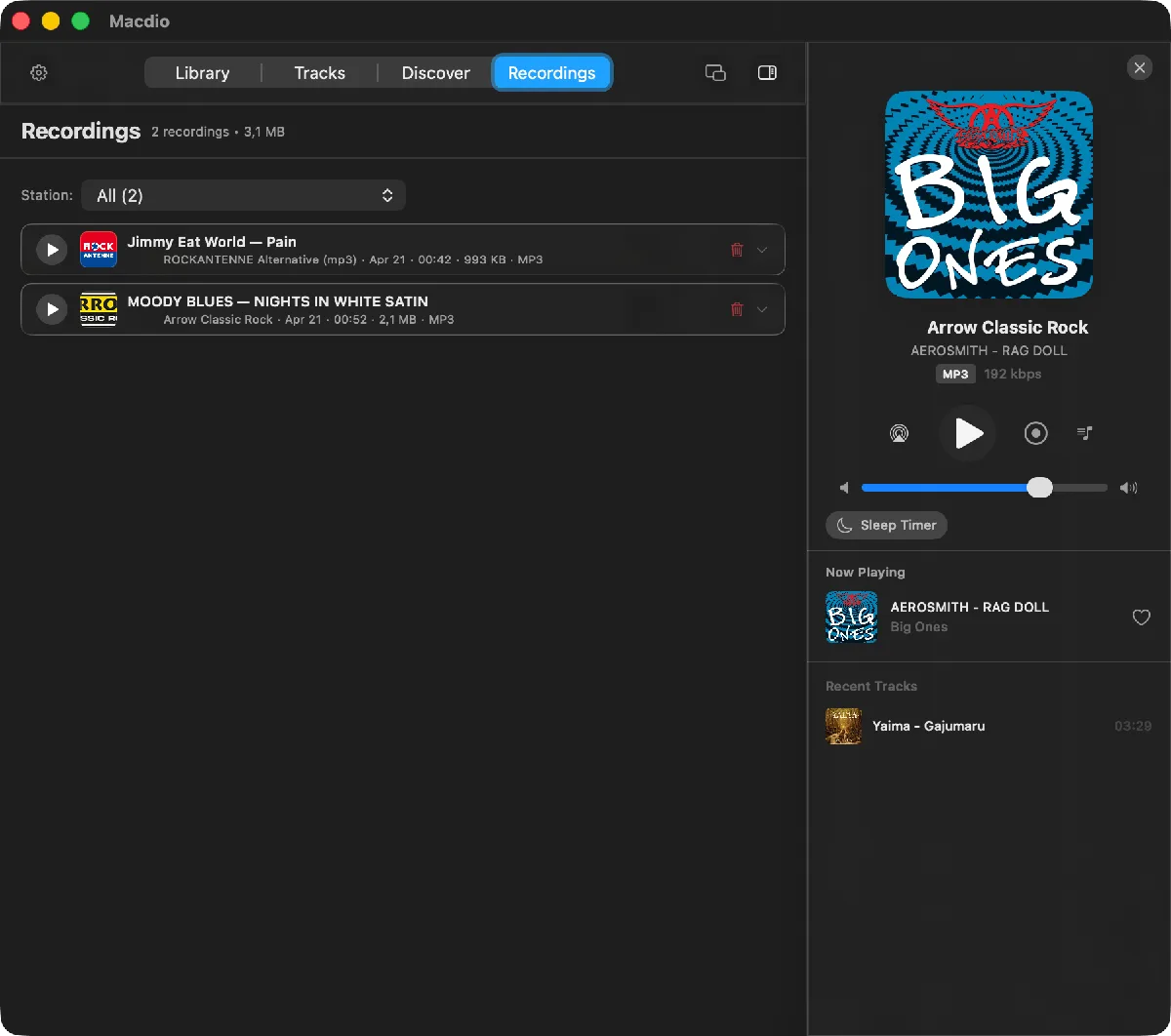
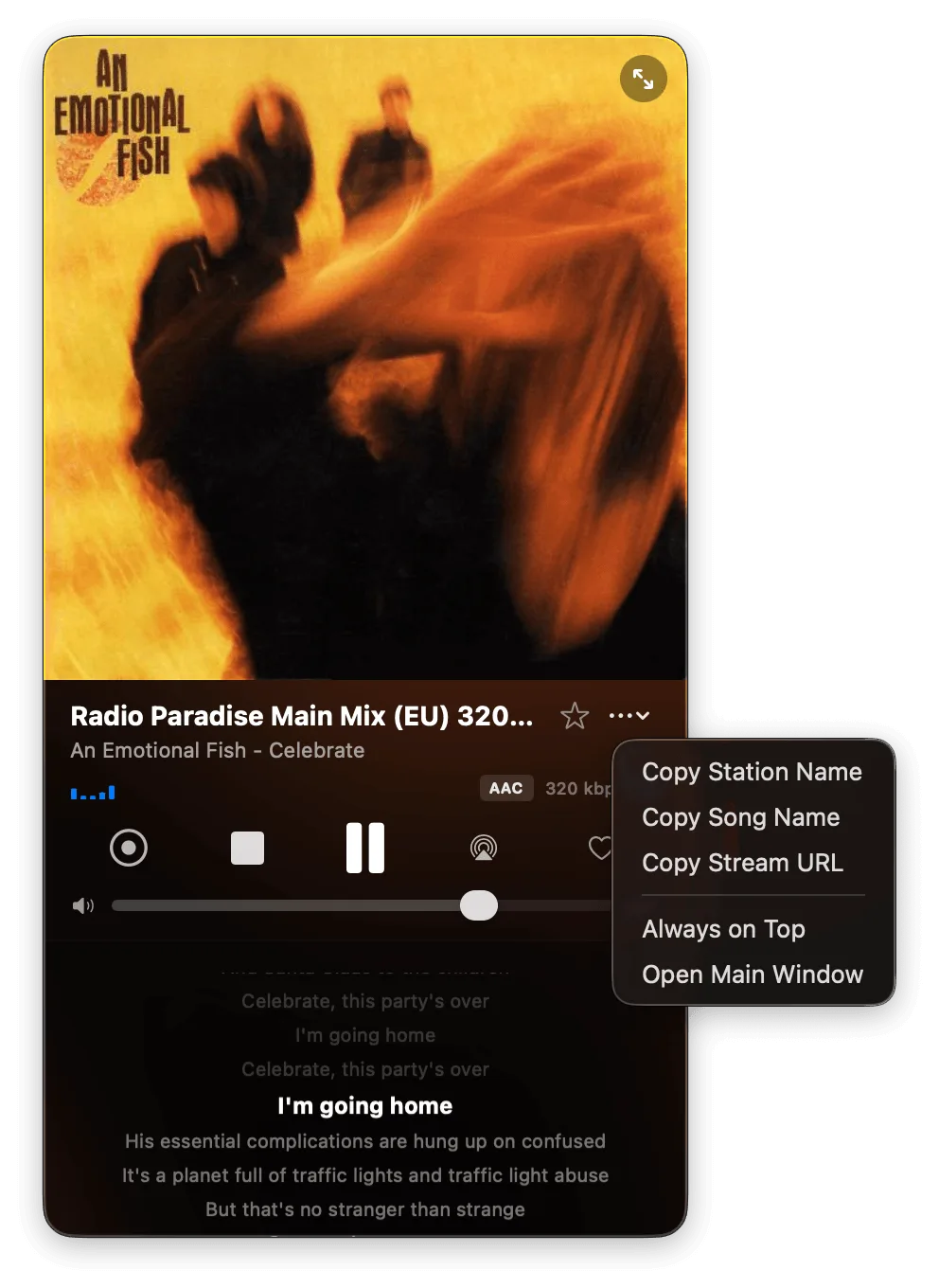
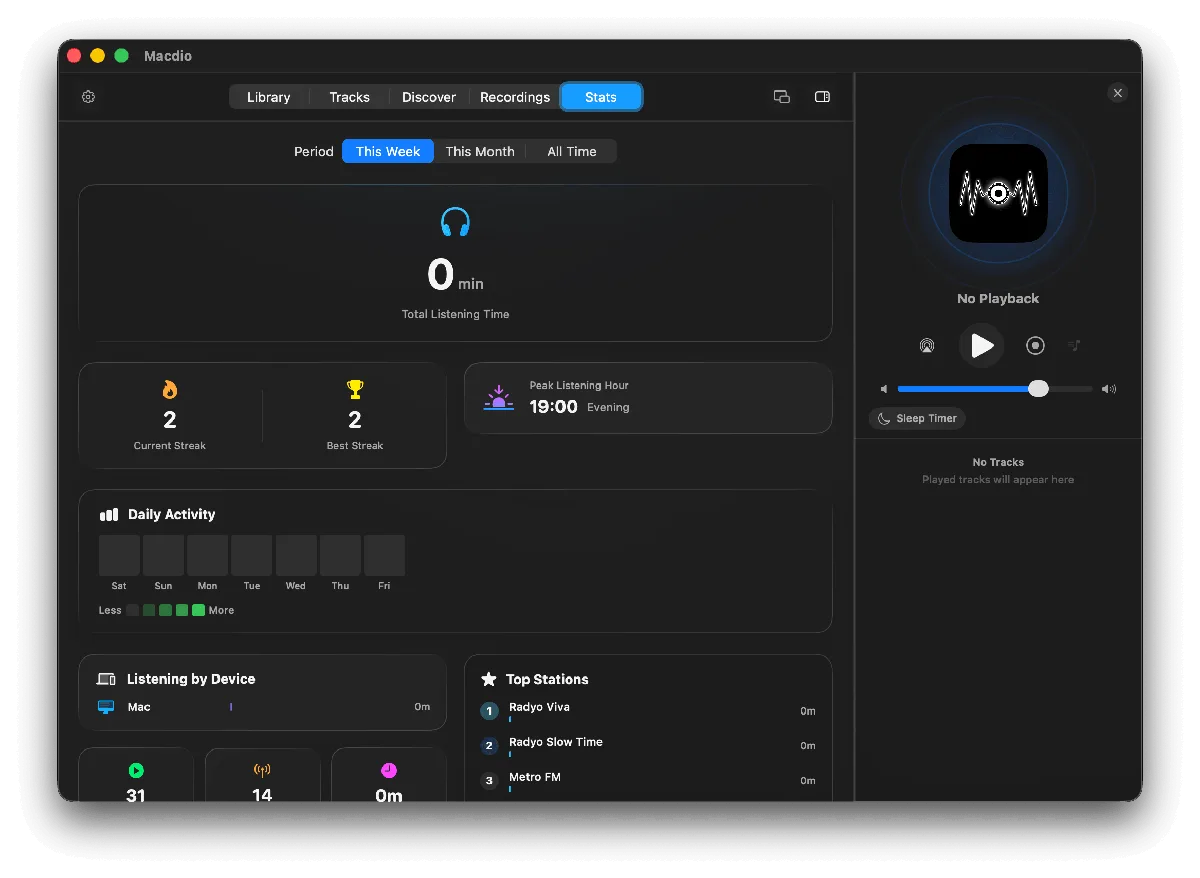
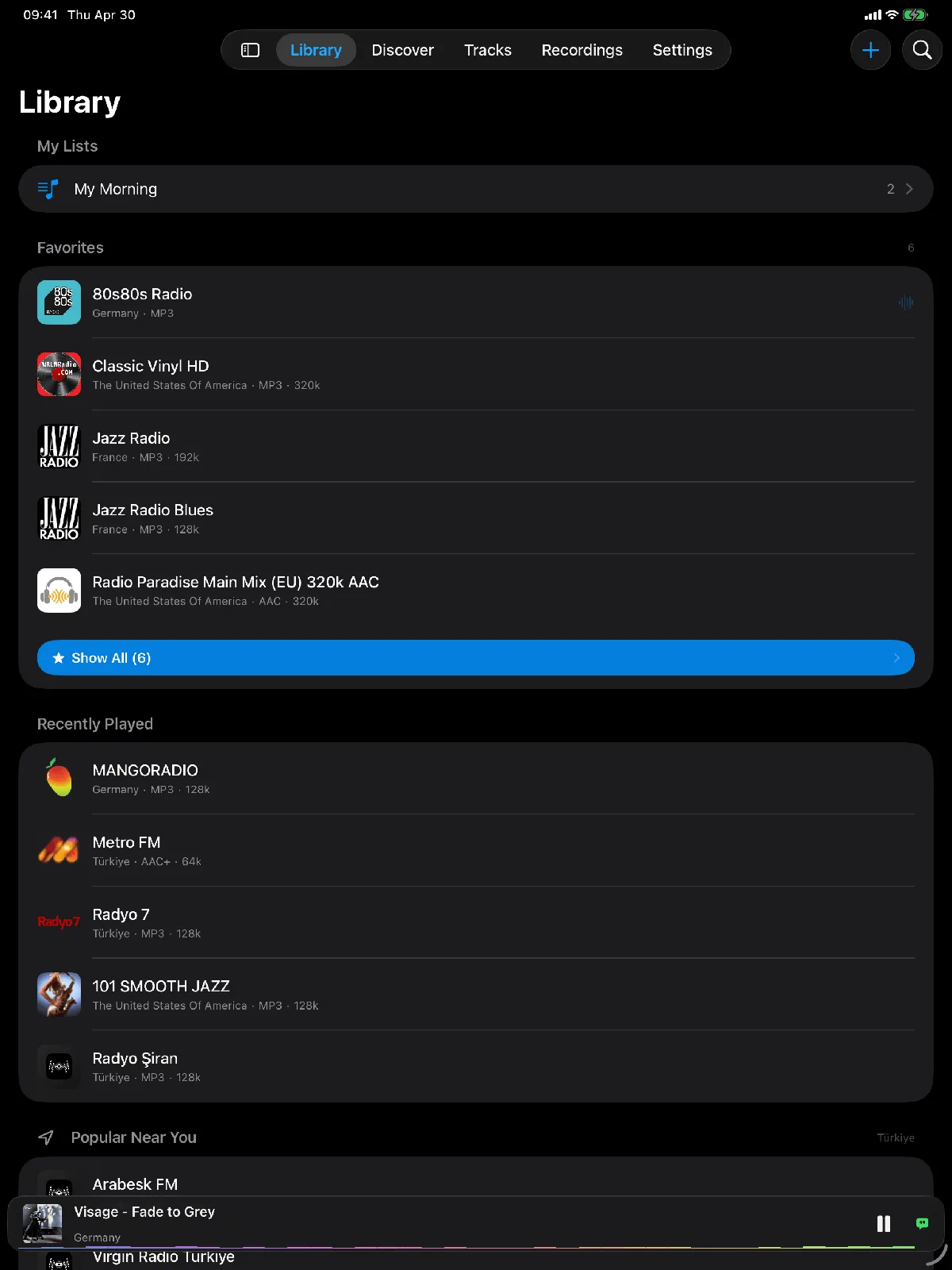
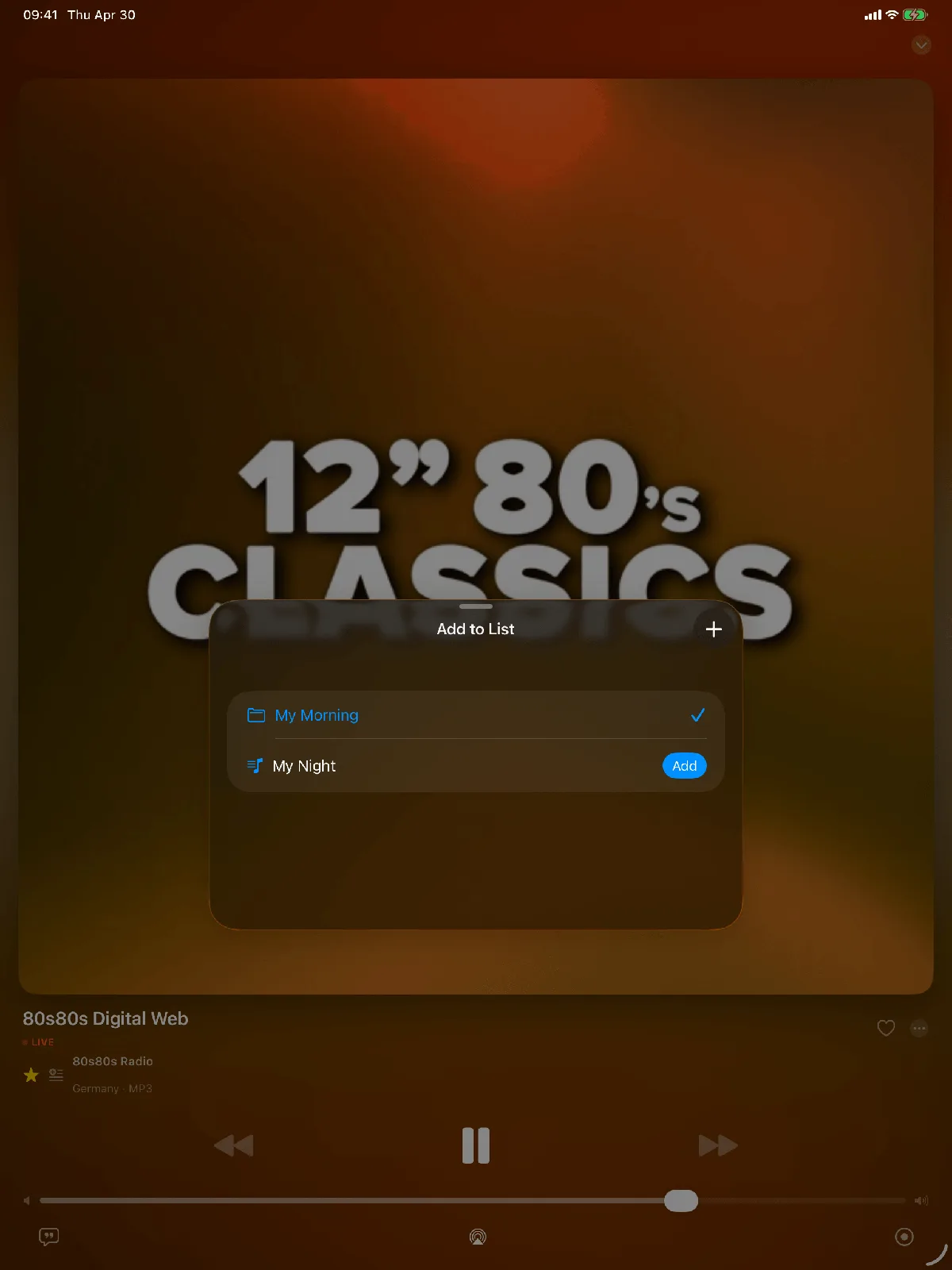
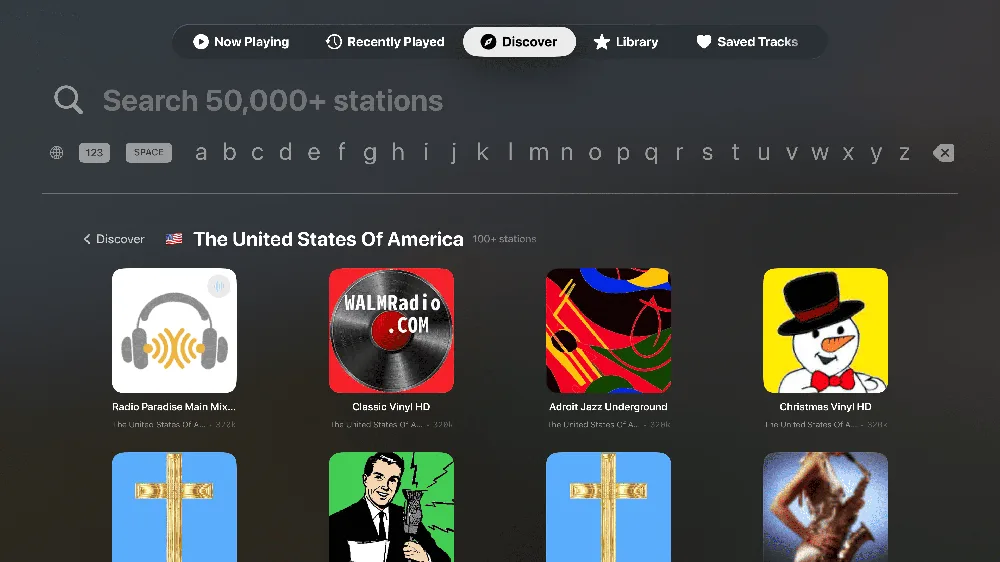
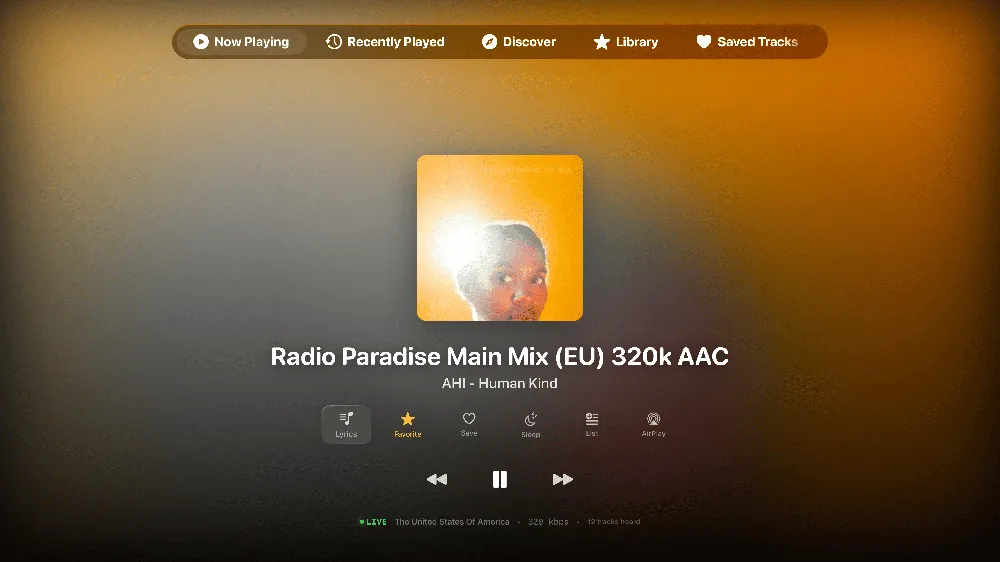
Everything else
And so much more.
The big features get the spotlight. These quietly make every day with Macdio better.
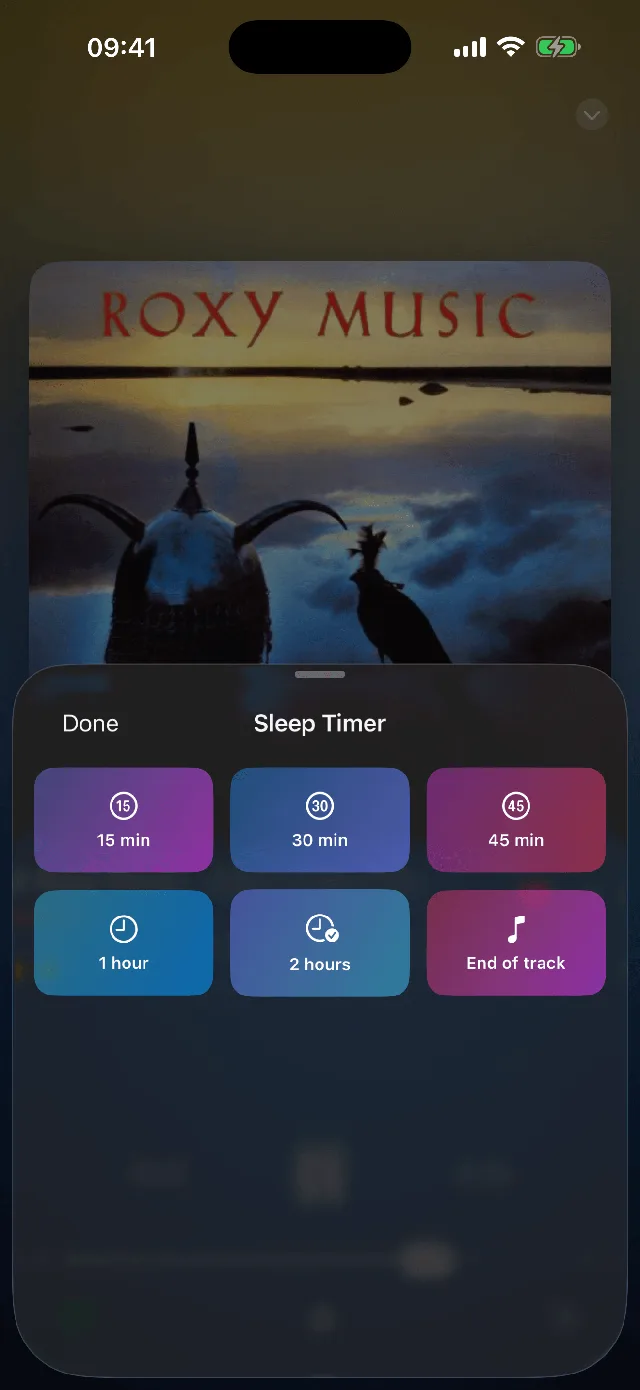
Sleep Timer
Drift off with presets or stop at the end of the song, with a gentle 30 second fade out.
Listening Stats
Your top stations and total listening time by week, month, or all time, across every device.
Widgets & Live Activity
Home Screen, Lock Screen, and Dynamic Island show what is playing at a glance.
Siri & Shortcuts
Play any station hands free and automate radio into your morning routine and Focus modes.
Spotlight Search
Find and launch your favorite stations straight from Spotlight on iPhone and Mac.
Apple Music Bridge
Send any song you hear on the radio to your Apple Music library in one tap.
Adaptive Streaming
Quality and buffering adapt to your connection, with low, medium, and high tiers.
Never Drops Out
Auto reconnect and a custom Icecast proxy keep the stream alive through Wi-Fi and cellular handoffs.
Mac Extras
Menu bar mini player, dynamic dock artwork, and launch at login, built natively for Mac.
How it compares
What only Macdio does.
Eight of these ship in no other radio app on the App Store. Everything else, Macdio matches or beats.
Macdio never asks for microphone access. The app declares no microphone permission at all, so it cannot listen to your room even if it wanted to. Song ID reads the radio stream itself.
| Feature | Macdio | Broadcasts | Eter | TuneIn | myTuner |
|---|---|---|---|---|---|
| Only on Macdio | |||||
| Loved songs sync to Apple Music | Yes | No | No | No | No |
| Split-track recording | Yes | No | No | No | No |
| Synced lyrics | Yes | No | No | No | No |
| Song ID with no microphone access | Yes | No | No | No | No |
| Bedside Clock Mode | Yes | No | No | No | No |
| Podcast transcripts, made on your device | Yes | No | No | No | No |
| Songs identified inside podcast episodes | Yes | No | No | No | No |
| Podcast highlights to Apple Notes, Notion and more | Yes | No | No | No | No |
| The essentials, all covered | |||||
| Podcasts | Yes | No | No | Yes | Yes |
| Song identification | Yes | Yes | Yes | No | No |
| Game controller support | Yes | Yes | No | No | No |
| Sleep timer | Yes | Yes | Yes | No | No |
| Native Mac app | Yes | Yes | Yes | No | Yes |
| Apple TV | Yes | Yes | Yes | Yes | Yes |
| Apple Watch | Yes | Yes | Yes | Yes | Yes |
| CarPlay | Yes | Yes | Yes | Yes | Yes |
| iCloud sync, no account | Yes | Yes | Yes | No | No |
| No ads | Yes | Yes | Yes | No | No |
| No subscription | Yes | Yes | Yes | No | No |
| Pricing | One time | Free + $7.99 | Free + one time | Free + subscription | Free + subscription |
Comparison based on each app's own published App Store description, support pages and reviews, checked on 9 August 2026; the podcast and highlights rows were checked against each App Store description on 1 October 2026. Features and prices change, and prices vary by country; check the App Store for current details.
Pricing
Internet radio should be for everyone.
Radio has been free on the airwaves for a century. Somewhere along the way, streaming apps started charging monthly subscriptions for something that should just work. Macdio does not do that.
You pay once. You get the app on every Apple device you own, and every update that follows. No plan tiers. No premium features behind a paywall. No price increase email three months in.
Macdio is sold in over 160 countries, priced in local currencies. A listener in India pays the same fair price relative to their market as someone in Germany or the United States. If you want to listen to radio, the app should not be the thing standing in the way.
Private by design
Your listening stays yours.
7.8 MB. 0% idle CPU. Zero third party dependencies.
Community
Shape what comes next.
Ready to tune in.
Native. Private. No subscriptions. On every Apple device you own.